Giving a Manager Access Without Sharing Your Owner Login
In short
Festive hiring is up 15 to 20 percent this year. Here is how to give a manager the screens they need in your staff app, and nothing past them.
- An owner login is all or nothing. Sharing it hands over payroll, bank details and the pay run, whatever you intended.
- Ask any vendor one question before you buy: can a manager be given attendance without payroll.
- Build roles from a preset, scope them to a department or site, and name them the way your staff talk.
You hired eleven extra people for eight weeks. The shop is open two hours later than usual, there is a second till running, and somebody clocked in wrong at half past nine on a Saturday night while you were at a family function.
That correction has to be made by somebody. Realistically, it is not going to be you.
So you do what almost every owner does the first time this happens: you send your manager the owner login on WhatsApp. It solves tonight's problem in four seconds and it quietly hands over the salary of every person in the business, the bank details they get paid into, and the button that runs the pay cycle.
This year the problem arrives at more businesses than usual. Festive hiring is expected to grow 15 to 20 percent year on year, with an estimated 2 to 2.5 lakh seasonal and gig jobs created between July and December. Retail and quick-commerce demand is driving most of it, concentrated around Dussehra, Diwali and the weeks after. If you are one of those businesses, your headcount roughly doubles and your own working day does not get any longer.
Sharing the login is not a shortcut, it is a decision you did not make
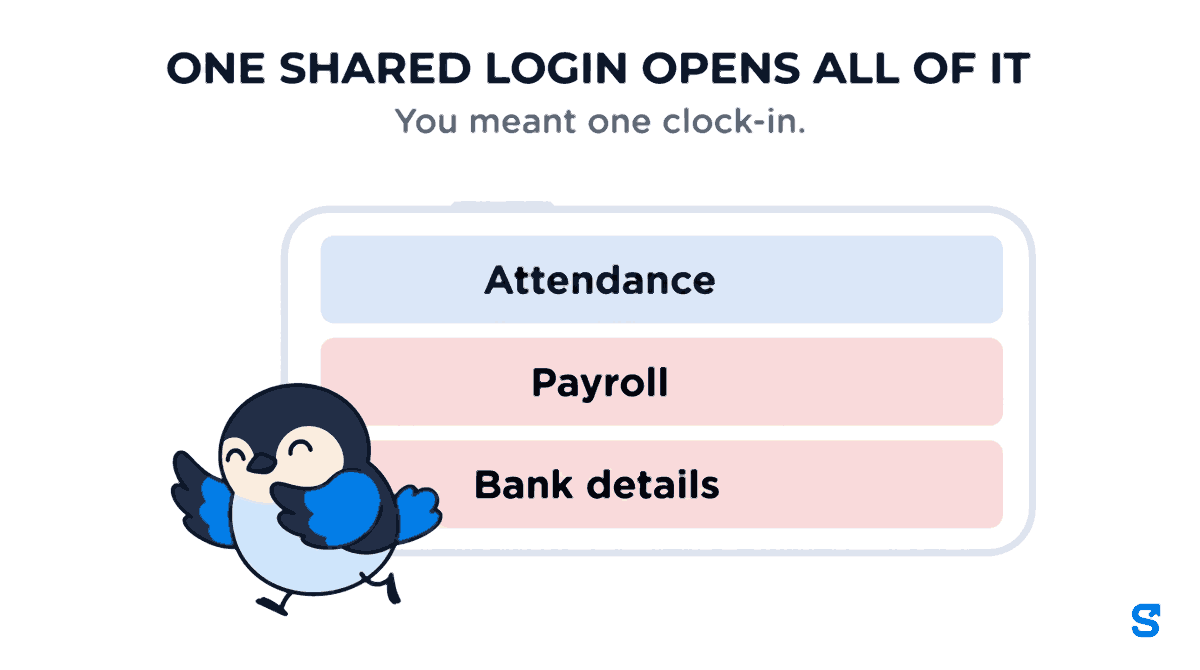
There is no halfway version of an owner login. The person holding it can see what every colleague earns, can open bank and UPI details, can approve a pay run, and can delete records. None of that is what you meant. What you meant was "please fix Saturday's clock-in".
Three things tend to go wrong, and none of them require anybody to be dishonest:
- Salary becomes common knowledge, because one person saw the payroll screen and mentioned a number to one other person.
- A record gets changed and nobody can say who changed it, because every action was performed by you.
- The manager leaves at the end of the season still knowing the password, and changing it means re-entering it on every device you own.
The fix is not a stricter manager. It is an app that can describe what "manager" means in your business instead of assuming it.
What role based access actually means on the shop floor
Most staff attendance apps offer one switch called something like "manager", and it is all or nothing. That is the real gap, and it is worth checking before you buy anything: ask the vendor whether a manager can be given attendance without payroll. A surprising number cannot answer yes.
Shiftelio splits access into 22 areas of the app and 84 individual actions inside them. They are not bundles. "See attendance" and "Correct attendance" are two separate checkboxes, so a supervisor can be given the first without the second. "Approve leave", "Sign off a pay run", entering bank details, taking somebody off the roster: each is its own checkbox.
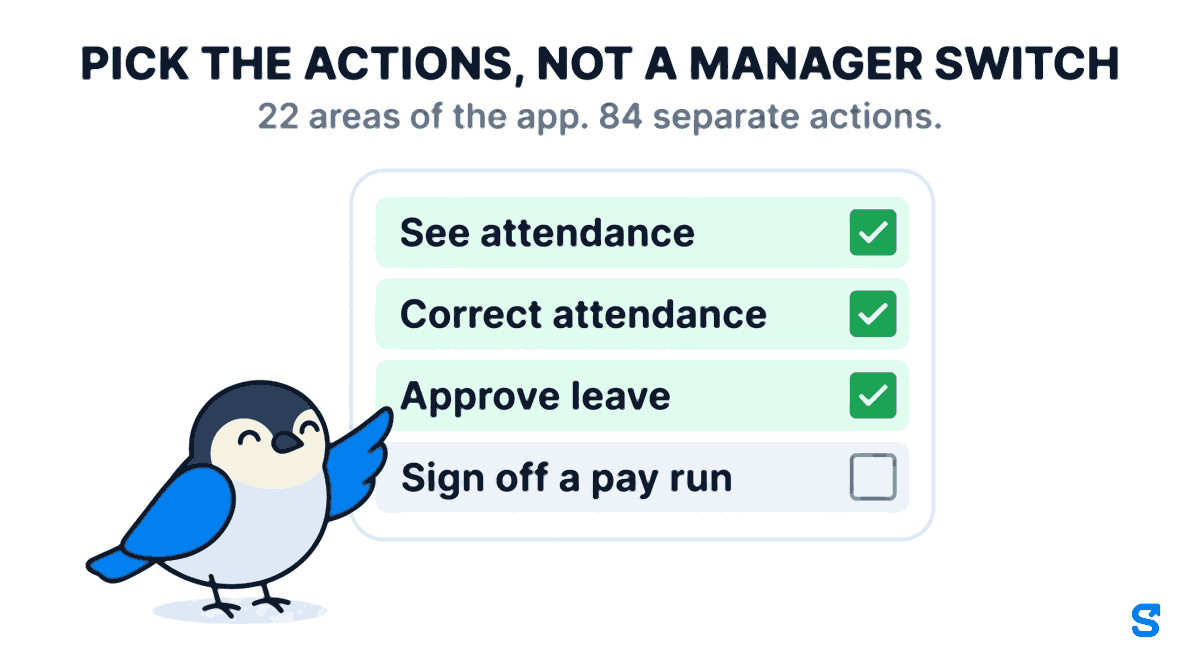
In practice you rarely start from a blank grid. There are ten ready-made presets on the Roles and Permissions screen, including Supervisor, Team Lead, Site Manager, Shift Planner, Read-only Auditor and Payroll and Finance. You apply the one closest to what you mean in a click, then change the two or three boxes that are specific to your business, and give it a name your staff will recognise, like Floor Supervisor.
A role is not a job title you type once. It is the set of screens and actions the app will allow, and it is the only thing that decides what that person can do when they tap a button.
Narrow it by department and by site, not just by feature
A role also carries a scope. A Site Manager role attached to your Andheri branch sees Andheri. The same role handed to somebody at Powai sees Powai. You build the role once and it behaves differently depending on who holds it, which matters when the festive surge is concentrated in two of your five outlets rather than spread evenly.
Leaving a scope empty does not mean nobody. It means the role is not narrowed on that dimension.
The part most apps get wrong: a delegate who can outgrow you
Here is where it usually falls apart. Once you let a senior manager hand out roles, so that not every request has to come to you, you have created a way for somebody to promote themselves. Someone with permission to create roles could write a new role with payroll approval on it, give it to a friend, and be handed the keys by the software itself.
Shiftelio enforces six rules on anybody who is not the owner. They are worth reading as they are written, because they are the whole safety argument:
- They can only tick permissions they already hold themselves.
- They can never give a role to themselves.
- They can only hand out the roles you listed on their own role, and only ones weaker than their own.
- They can only hand them to people inside their own departments and sites.
- They can never delete a role, and never take a role off somebody else.
- They can never build a role that can manage more than they can.
Rule one is checked per checkbox rather than per feature, which is the detail that does the work. Holding "see attendance" does not let somebody grant "correct attendance". A manager can only ever pass on a subset of what they were given, so the access in your business can narrow as it travels outward and can never widen.
Taking a role away, and deleting a role entirely, stay yours alone. Delegation in this system is one directional on purpose: you can hand out the work of granting access without handing out the ability to remove it.
Every role change is written to a history you can open at any time, so the question "who gave Ramesh payroll access, and when" has an answer that does not depend on anybody remembering.
"I ticked the boxes and nothing happened"
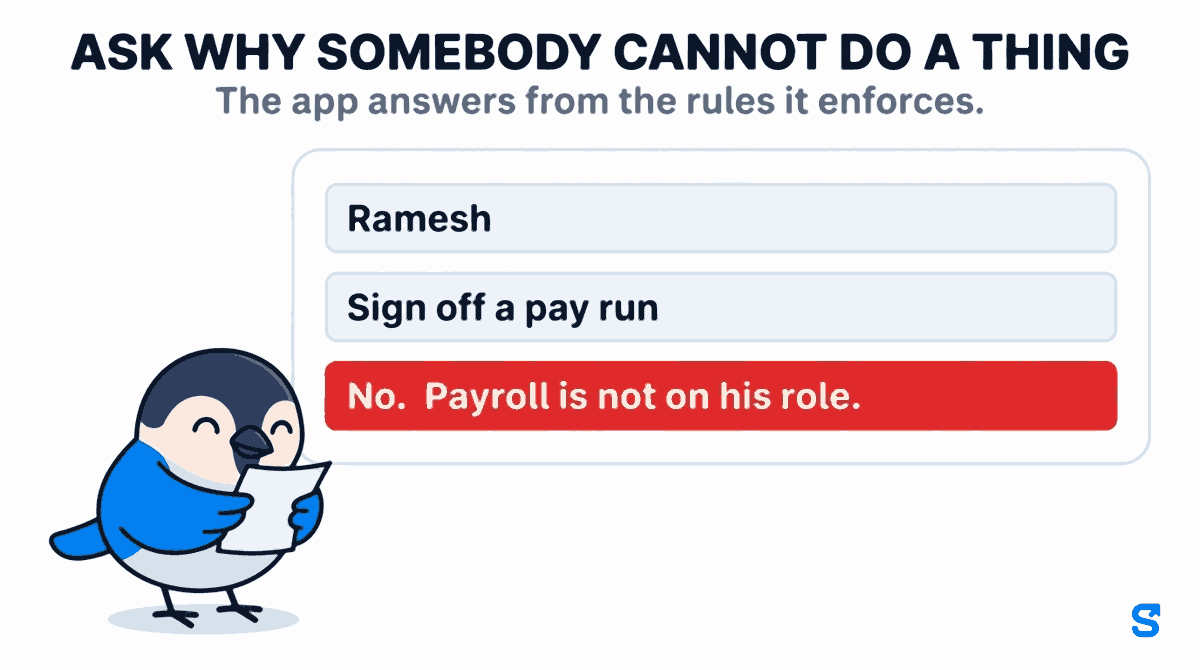
This is the complaint that made us build the next part, and it is the honest weak point of every permission system: you set something up, you cannot tell whether it worked, and the only way to check is to log in as somebody else.
The Roles screen answers two questions directly. What does this role actually unlock, and who currently holds it. And, for a named person and a named action, why can they not do it. You pick the employee, pick the action, and get a verdict: pick Ramesh, pick "Sign off a pay run", and the answer comes back "No. Payroll is not on his role." Both answers are read from the same tables the app checks when that person taps the button, so the explanation cannot drift away from the behaviour.
It is a small feature and it is the one owners use most in the first week, because it turns permissions from something you hope is right into something you can check before the season starts.
Setting this up before the rush, in about ten minutes
Most businesses need fewer roles than they expect. A floor supervisor who handles attendance and leave. A senior manager who also handles rosters and expenses. That is usually enough.
Apply Supervisor or Site Manager, then change the handful of boxes that are specific to you. Building from blank takes longer and is easier to get wrong.
Attach departments and sites to the role so the same role can be reused across outlets without anybody seeing another outlet's staff.
Use the access check on the Roles screen. Pick the person, pick the action you are worried about, and confirm the answer is what you intended.
If you have already shared it, this is the step people skip. The roles only help from the moment the shared login stops working.
Which app runs this
Questions owners actually ask
Can a manager see what other staff are paid?
Only if you tick payroll on their role. Payroll and bank details are separate features in the grid, so a manager can approve leave and correct attendance with no visibility of money at all.
What happens to their access when the season ends?
You take the role off them, which stays an owner action. Their login continues to work as an ordinary employee and they lose every manager screen immediately.
Can a manager give someone else more access than they have themselves?
No. A delegate can only tick permissions they already hold, checked one checkbox at a time, and can never assign a role to themselves.
Do I need a bigger plan for this?
No. Custom roles and permissions are available on the paid plans rather than sold as an add-on module.
How do I know the permissions I set are actually working?
Use the access check on the Roles screen. Pick an employee, a feature and an action, and it tells you the verdict and the reason, read from the same tables the app enforces.
Keep reading
Free to use, no signup: Shift roster template.