New Employee Forms in Canada: Get the SIN, TD1 and Bank Details Before the First Shift
In short
New employee forms in Canada: the SIN, the federal and provincial TD1 and direct deposit details, sent to the new hire's phone and checked before day one.
- The core forms are the SIN, the federal TD1, the provincial TD1 for the province of work, and direct deposit details.
- The CRA says to get the SIN within 3 days of the start date, and the TD1 forms when the employee starts work.
- Send one checklist per role to the new hire's phone before day one, so nothing waits for the first shift.
The new employee forms a Canadian small business collects are the employee's Social Insurance Number, the federal TD1 and the provincial TD1 for the province they work in, their direct deposit details, and whatever your own workplace needs, such as an emergency contact. The way to get all of them without a chase is to send one checklist to the new hire's phone before their first shift and check each item as it comes in.
This guide is for owners and managers of restaurants, shops, cleaning companies, home care agencies and trades crews who hire a few people a month and have nobody whose whole job is HR. It covers what goes on the list, where the paperwork usually goes missing, what the CRA and Ontario's rules say about timing, and how Shiftelio collects it from the same app staff use to clock in.
The new hire forms on a Canadian checklist
Most small employers end up asking for the same six things. Put them on one list per role, in this order, so the new hire can finish it on the bus.
- Social Insurance Number (SIN). Payroll needs it for the employee's tax slips. Ask for the number as typed text rather than a photo of every ID they own.
- Federal TD1, Personal Tax Credits Return. Tells payroll how much income tax to hold back. The new hire downloads it from the CRA, fills it in, signs it and sends a photo or the file.
- Provincial or territorial TD1. The form for the province where they work: TD1ON in Ontario, TD1BC in British Columbia, TD1AB in Alberta. A cook who lives in Gatineau and works in Ottawa fills in the Ontario one.
- Direct deposit details. A void cheque or the bank's direct deposit form, so the first pay does not turn into a cheque run.
- Emergency contact. A name and a phone number, typed.
- A signed joining letter. Start date, role, workplace, pay period and pay day, and expected hours, read and signed before day one.
Ask only for what you will use. Every extra document you collect is one more thing you have to keep private and safe, and a cleaner's driver's licence has no place on a cleaning company's checklist unless the job includes driving the van.
Why the paperwork goes missing in a small team
The forms are not hard. The handover is. A new line cook starts on a Friday night, the kitchen is full, and "bring your void cheque Monday" turns into a third reminder two weeks later. Three patterns cause almost all of it:
- The forms are handed out on the first shift. Day one is for learning the job, so the TD1 goes home in a backpack and comes back folded, half filled in, or not at all.
- Nobody owns the check. The manager who hired thinks payroll has it; the bookkeeper thinks the manager has it. A missing provincial TD1 surfaces only when the first paycheque looks wrong.
- One bad page stops everything. A blurry photo of page 2 means asking for the whole set again, and the new hire stops answering.
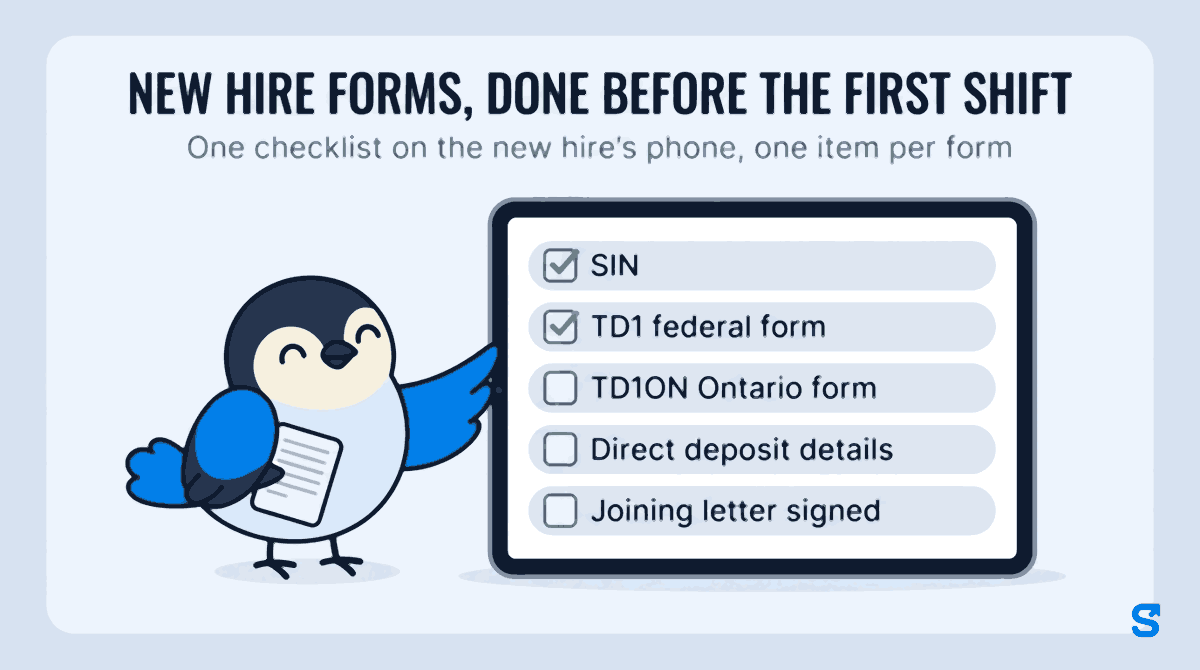
The fix for all three is the same: the list goes out before the first shift, each item is checked by one named person, and a wrong item goes back alone with a reason.
What the CRA and Ontario say about timing
The tax forms are federal and apply to every employer. The CRA's page on the TD1 forms says employers get the completed TD1 forms from the individual "when the employee starts work", and that if the forms are not provided, tax deductions include only the basic personal amount. It also says to keep the completed forms with the employee's records and not to send the CRA a copy. Source: CRA, Get the completed TD1 forms from the individual. Checked on 11 October 2026.
On the SIN, the CRA's page says an employer has to get the SIN from the employee within 3 days of when they start work, and to show a reasonable effort if the employee does not give it. It adds that a SIN beginning with a 9 is valid only until its expiry date, so the employer looks at the employee's immigration document, such as a work permit, to confirm it has not expired. Source: CRA, Get the social insurance number from the individual. Checked on 11 October 2026.
Employment standards are provincial. In Ontario, the government's guide to the Employment Standards Act says employers give each employee a copy of the current employment standards poster within 30 days of the person becoming an employee. Since July 1, 2025, Ontario employers with 25 or more employees give new hires written information about the job, including the employer's legal name, contact information, starting wage and pay period and pay day, before the first day of work, or as soon after as is reasonably possible. Source: Ontario, Mandatory information for employees. Checked on 11 October 2026. Other provinces set their own rules; check your province's employment standards site.
This is general information, not legal advice: check with the agency or an employment lawyer for your case.
How Shiftelio collects new employee forms
In Shiftelio this is Onboarding, in the owner menu, on the page called Employee Docs. It runs the whole checklist from the app your staff already use to clock in, so the person sending the TD1 is the same person who checks in on day one, with no second login.
Tap Create Template, name it for the role, say "Line cook, Ontario", and use Add Requirement for each form. Each item gets a label, an input type and a Required field box. Use Text Input for the SIN and the emergency contact, File Upload or Image (Camera/Gallery) for the two TD1 forms and the void cheque, and Joining Letter / Signature for the letter. Drag the items into the order you want them filled in.
Tap Assign on the checklist and pick the new hire, or use Assign Onboarding from your staff list. They get a notification that onboarding documents are waiting. Set an Onboarding Grace Period in Settings, and the new hire sees a countdown on their home screen with reminders while anything is still missing.
The new hire opens Onboarding Required. For the TD1 they tap Take Photo or Choose from Gallery, or upload the PDF they filled in; for the SIN they type the number and save. Under each item they see where it stands: waiting for approval, Approved, or Rejected with your reason beside it.
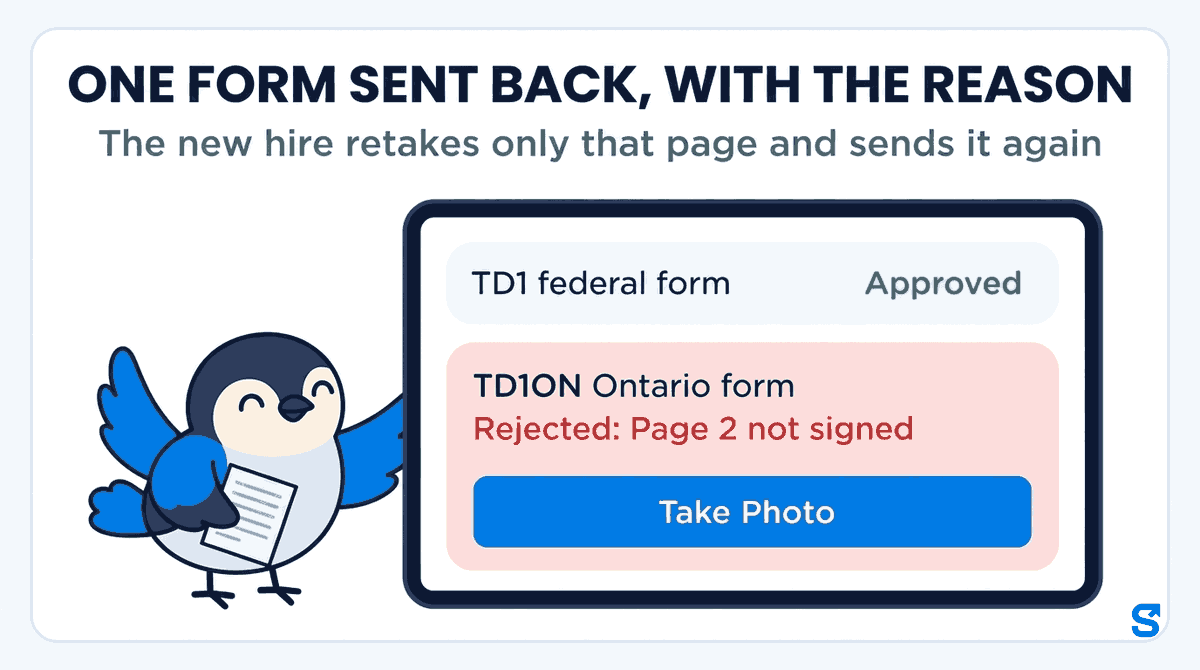
Waiting items show on Employee Docs under Pending Reviews. Open one and each item has Approve and Reject. A rejection needs a reason, such as "Page 2 not signed", which the new hire reads in the app before retaking that one page. When everything is right, Approve Entire Assignment closes it and the new hire sees All Caught Up!
With a Joining Letter / Signature item you write the letter once for the role, and the new hire's name fills itself in. Put in the details that are the same for everyone in that role: the business's legal name and contact, where they will work, the pay period and pay day, and the usual hours. The new hire reads it and signs on the screen, and you can open it later as a formal letter or download the original.
The owner sees everything. A manager sees onboarding documents only if their role has the Onboarding permission to view them, and can approve or reject only with the permission to edit. The shift supervisor who builds the schedule never needs to see a SIN or a void cheque.
Which app collects new hire forms for a shift team in Canada?
You can see every other part of the app on the features page.
Questions owners ask
What forms does a new employee fill out in Canada?
A federal TD1 and the provincial or territorial TD1 for the province of work, plus their SIN and direct deposit details. Most employers add an emergency contact and a signed joining letter.
When do I need the TD1 forms from a new employee?
The CRA says when the employee starts work. Sending the forms to the new hire's phone a few days before the first shift means they arrive on time without a chase.
Can a new hire send the TD1 as a photo?
Many small employers accept a photo or PDF of the completed, signed CRA form. In Shiftelio the new hire uses Take Photo, Choose from Gallery or a file upload on a TD1 item.
What if a new hire sends a blurry or unsigned page?
Send that one item back with a reason they can act on, such as "Page 2 not signed". In Shiftelio you tap Reject, write the reason, and the new hire retakes only that page.
Which provincial TD1 does a new hire fill in?
The one for the province where they work, not where they live. TD1ON for Ontario, TD1BC for British Columbia, TD1AB for Alberta.
Does Shiftelio stop a new hire from clocking in until the forms are done?
No. It shows the new hire a countdown and reminds them until every item is in, and it shows you what is still waiting, but it does not lock them out of clocking in.