Photo Proof of Work: A Job Card That Survives a Dispute
In short
A task photo is only proof if it could not be last Tuesday's photo. How Indian field service and home care teams build a job card that holds up.
- The client does not have to prove the work was skipped. You have to prove it was done.
- A gallery upload is not proof of anything. Camera only is one setting and it removes the most common failure.
- The timestamp that matters is when the work was finished, not when the phone found signal.
The client says the third floor washrooms were not cleaned on Tuesday. Your supervisor says they were. Somebody scrolls up through a WhatsApp group, finds a photograph of a clean washroom, and sends it. The client looks at it for two seconds and replies: that could be any Tuesday.
They are right, and that is the whole problem. Most Indian field service and home care contracts are argued out in exactly this way, on a phone, weeks after the work, with a photograph that nobody can date. The agency almost always loses, because the agency is the one being asked to prove something.
The burden sits on you, not the client
Under the Consumer Protection Act, 2019, deficiency in service is defined very widely. Section 2(11) covers any fault, imperfection, shortcoming or inadequacy in the quality, nature and manner of performance that a person has undertaken to perform under a contract. A family or a facilities client does not have to prove a caregiver never arrived. They have to say the service fell short. You are the one holding the contract that says it would not.
There is a second reason to care about the shape of your evidence, and it changed recently. On 1 July 2024 the Bharatiya Sakshya Adhiniyam, 2023 replaced the Indian Evidence Act, 1872. Section 63 now governs when an electronic record is admissible, and it asks for a certificate identifying the record and describing the device and the manner in which it was produced.
Almost none of these arguments reach a tribunal, so treat that as a standard rather than a to-do list. But it is a useful test. A JPEG that has been forwarded through three WhatsApp groups cannot give any account of itself. A record that knows which device made it, when, and for which assignment, can.
Home care agencies are feeling this from the other direction at the same time. Guidance written for families in 2026 now tells them to ask for a daily summary of what happened during the visit and to insist on a named person they can reach, and warns them that some placement agencies have been caught recycling old photographs to pass off staff as verified. The families of your patients are being taught to demand proof. That is a demand you can meet, and it is a reason to be chosen.
Three ways a photograph stops being proof
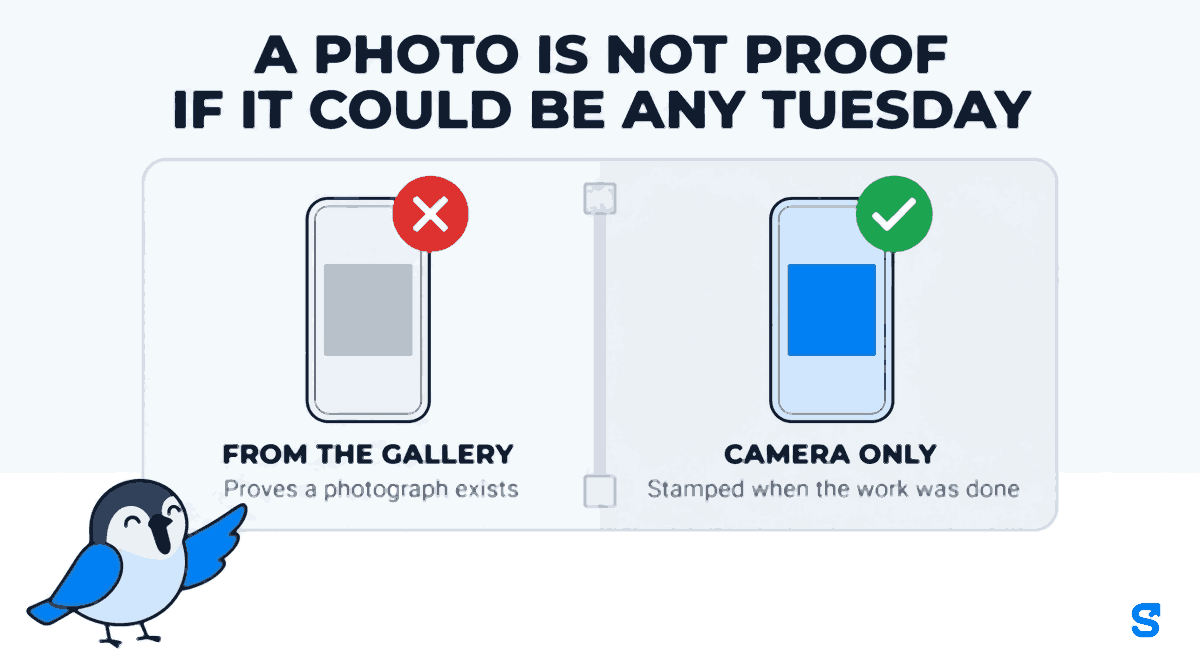
It came from the gallery. If the app that collected it let the worker pick any file on the phone, then the photograph proves a photograph exists. It does not prove anybody went anywhere. This is the failure that gets agencies caught, because it is the easy one to do on a bad day and the hard one to explain afterwards.
It is not attached to a named person and a named job. A picture of a clean room in a group chat is evidence of a clean room. Whose room, cleaned by whom, against which item on which contract, is the part that was never recorded.
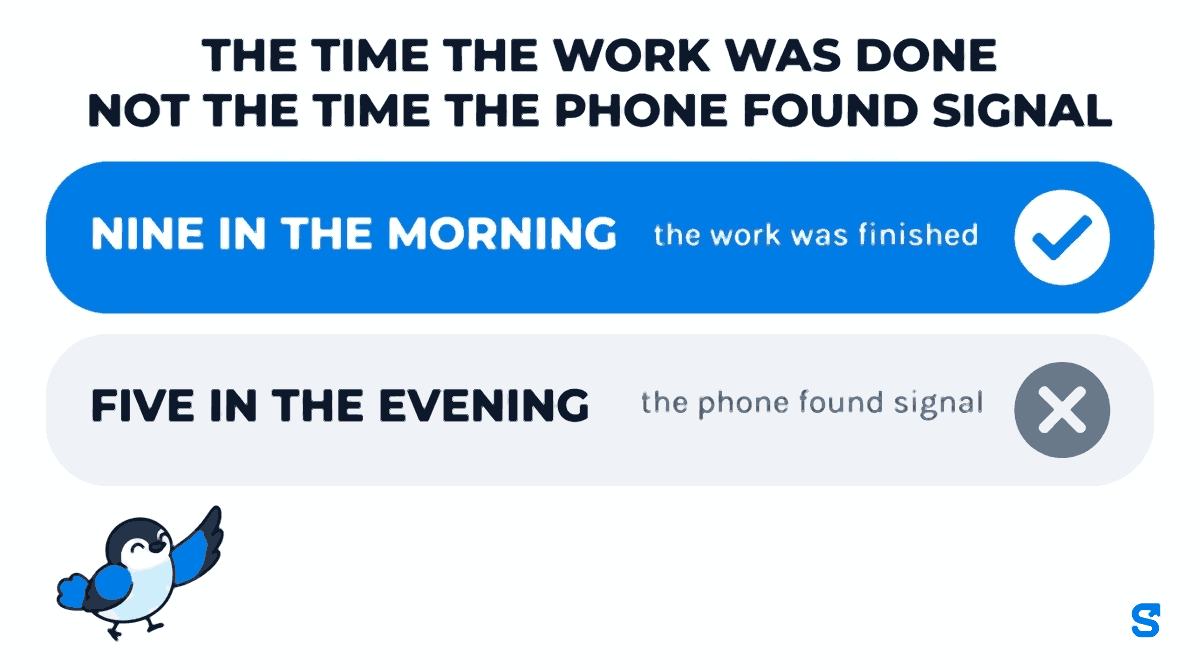
It arrived at five in the evening for work claimed at nine in the morning. Most apps stamp a submission with the moment it arrived. On a basement site or in a lift lobby with no signal, that is routinely eight hours after the work. Then the one honest worker on your payroll looks like the late one.
What a job card actually has to carry
- The task, written down before the work, not described afterwards.
- The person it was assigned to, by name.
- A photograph that could only have been taken by that phone, at that moment.
- The time the work was done, which is not the time the phone found signal.
- Whoever reviewed it, and what they decided.
- A record of the days it was missed, and why.
Read that list again and notice that four of the six are about time and identity, not about the picture. The photograph is the part everybody thinks about and the smallest part of the answer.
Building the job card
In Shiftelio this lives under Tasks, which the app describes plainly: create work for staff and assign it to them. It is a template builder, not a fixed form, because a lift lobby inspection and a patient bathing round have nothing in common except that both need to come back with evidence.
The form is the job card
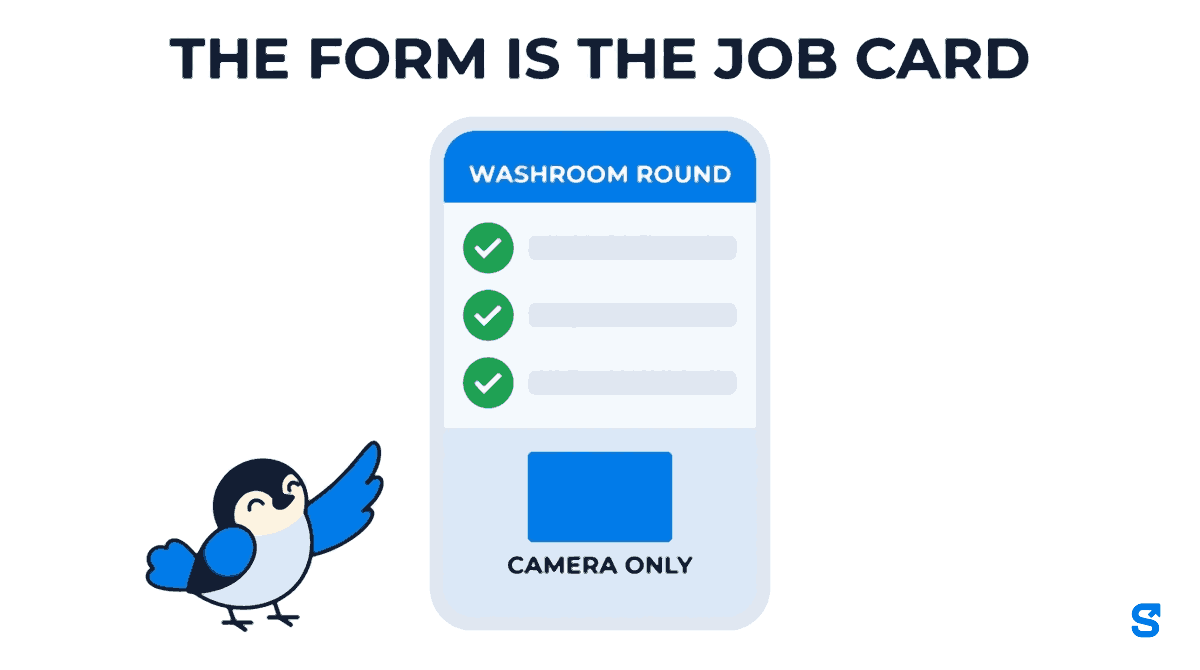
You build the task once as a template, out of fields: a text field, a photo field, a checklist, a dropdown, a radio group. That template is what the worker's phone shows them. A washroom round might be one checklist and two photo fields. A home care visit might be a checklist of the jobs agreed with the family and a single photograph at the end.
Keep it short. Every extra field is a field somebody fills in badly at the end of a twelve hour shift.
Camera only closes the gallery
Each photo field carries a source setting, and the three options are camera only, gallery, or both. Set a proof field to camera only and the phone opens the camera instead of the file picker. The picture has to be taken now, in front of the thing being photographed.
This single setting is the difference between the first failure above and no first failure. It costs nothing and it is off by default, so it is worth going through your existing templates and turning it on wherever the photo is the proof.
Use gallery or both for fields where the picture is convenience rather than evidence: a copy of a delivery challan, a photo of a document the client handed over. Reserve camera only for the shot that settles an argument, and your staff will not fight you about it.
The clock out will not open
A task can be marked blocking. A blocking task that is still pending or rejected stops the employee from clocking out at the end of the shift, and the app tells them which task is in the way before it opens the camera for the checkout selfie.
The part that matters is that the block is real. It is not a screen somebody can get past by reopening the app, and the worker finds out about it before the camera opens.
A task can also be set to show at check-in, with its own instructions and an instruction image. That is how a site-specific method statement reaches the person at the moment they arrive rather than in an induction they attended four months ago.
Offline is where most systems quietly lie
This is the part of the feature that is genuinely unusual, and it is worth understanding because it is the part a competitor's demo will not cover.
When a submission is made with no signal, it is kept on the phone and sent later. Shiftelio records the moment the work was finished, not the moment the phone found signal. An employee who finished at nine in the morning and found signal at five in the evening submitted at nine in the morning, and the late flag is judged against that.
A claimed time is not simply believed. It is checked so that it stays believable, and a worker cannot use it to backdate work.
Work sent late also does not quietly undo a decision made while the phone was dark. If a manager already reviewed or approved the task, or the employee redid it online, the late copy does not overwrite the newer record. The task goes back on the employee's list so a human decides. This is the one true claim worth making against the alternatives. Plenty of apps save offline submissions. The question to ask any of them is what time the record ends up with, and what happens if a manager acted while the phone was out of range. If the answer is that the late copy simply writes over whatever it finds, the offline mode is a data loss feature with a nice icon.
Reviewing what comes back
Submitted work lands on the Tasks screen for approval. You approve or you reject with a reason, and rejection puts the task back on the employee with that reason visible, which is the only version of this that changes behaviour. Both can be done in bulk, because a hundred washroom rounds on a Monday morning is not a hundred decisions.
The third option is the one people miss. A task can be excused, which keeps the row and stops it counting. The reason is required rather than optional, deliberately: an excuse with no reason is indistinguishable from a manager quietly hiding a miss. Use it when the site was shut, when the patient was in hospital, when the material never arrived.
That matters because the Tasks screen shows a reliability figure per person over the last thirty days. A figure that punishes somebody for a day the client cancelled is a figure nobody trusts, and a number nobody trusts gets ignored in the one conversation it was built for.
How long the photographs live
Proof photographs are not free to keep. They are stored per business and retained for ninety days by default. A longer window can be set for an account, from one day to ten years, but it is set on the account rather than being a switch in your settings screen, so ask for it if your contracts need a longer evidence trail than a quarter.
When a task is deleted, its photographs are deleted from storage with it, including every picture from every photo field on the form, not just the first one. That is the behaviour you want for a privacy request and the behaviour to remember before somebody clears out last year's tasks the week before an audit.
Check your longest contractual dispute window against ninety days before you assume the default is enough. A facilities contract with a quarterly review and a thirty day query period is fine. An annual reconciliation is not.
Which app does this
Tasks with photo proof is part of the standard plans rather than a priced add-on, and the same task screen serves a facilities supervisor and a home care coordinator. You can see the whole feature set on the features page.
Questions people actually ask
Can an employee upload an old photo from their gallery?
Only if the field allows it. Each photo field has a source setting with three values, and camera only opens the camera rather than the file picker. Set that on any field where the picture is the evidence.
What happens to a task done in a basement with no signal?
It is kept on the phone and sent later, and it is recorded against the time the work was finished rather than the time it was sent.
Can a worker finish a shift without doing the task?
Not if the task is marked blocking. A blocking task that is still pending or rejected stops the clock out, and it cannot be skipped by going round the screen.
How do I stop a cancelled site from wrecking somebody's score?
Excuse the task rather than leaving it missed. The row is kept, the counting stops, and the reason is required so the record says why.
Does this replace a GPS proof of visit?
No. Tasks prove what was done. Attendance check-in, with its geofence and selfie, proves somebody was at the place. Most agencies need both, and they are separate records that happen to share a shift.
Keep reading
Free to use, no signup: Shift roster template.