Right to Work Checks and New Starter Paperwork: Get It All In Before the First Shift
In short
Do the right to work check before someone starts, then collect the rest of the new starter paperwork on their phone so nothing is missing on day one.
- gov.uk says you must check that a job applicant is allowed to work for you in the UK before you employ them.
- The check is done online with the person's share code, or with their original documents in front of you; British and Irish citizens cannot get a share code.
- Keep a copy of the documents and record the date you made the check.
A UK employer checks a new starter's right to work before they start, either online with the share code the person gives you or by looking at their original documents with them present. The rest of the new starter paperwork (P45, bank details, emergency contact, signed contract) is easiest to collect the same week, on the person's own phone, so none of it is still missing when they walk in for their first shift.
That is the whole job. Where small businesses come unstuck is not the rules, it is the chasing. A cleaning firm takes on three evening cleaners in a week, one brings a passport, one forgets the P45, one says they will send their bank details "tonight", and by the first payday nobody can say what is still outstanding. This guide sets out what to collect, how the right to work check fits in, and how the Onboarding checklist in Shiftelio keeps the list for you.
What paperwork does a new starter need to give you?
For an hourly team in a café, a shop or a cleaning firm, five things cover almost every new starter:
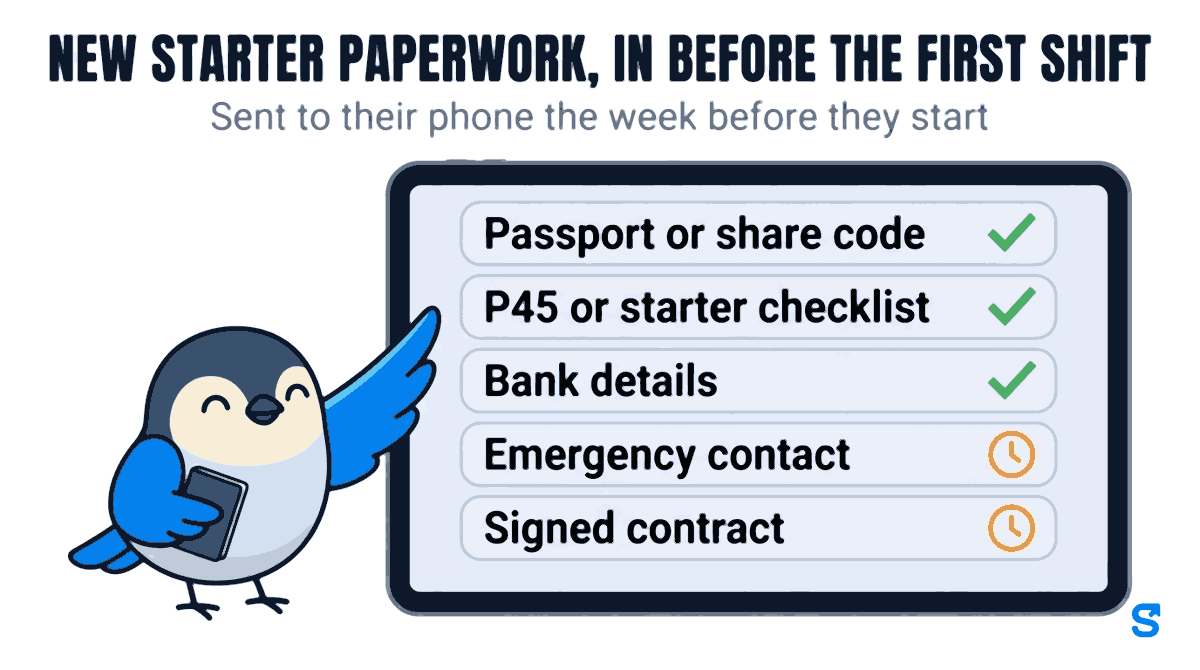
- Passport or share code, for the right to work check
- P45 or starter checklist, so they go on the payroll with the right tax code
- Bank details, so the first wages land in the right account
- Emergency contact, a name and a phone number
- Signed contract, or the written statement of their terms
Some trades add their own: a DBS certificate for a care worker, a food hygiene certificate for a kitchen, a driving licence for a delivery driver. The list is yours to set. What matters is that it is written down once and every new starter gets the same one.
On the tax side, HMRC's page Tell HMRC about a new employee (checked on 7 October 2026) says you usually get the details you need from the employee's P45, and that if they do not have a recent P45 they fill in HMRC's "starter checklist" instead.
The right to work check, in plain words
Law is not the main job of this article, and we are not lawyers. These are the lines from the official page that matter for a small employer.
The gov.uk page Checking a job applicant's right to work (checked on 7 October 2026) says you "must check that a job applicant is allowed to work for you in the UK before you employ them". It gives two ways to do it: check the right to work online, if the applicant has given you their share code, or check the applicant's original documents. It also mentions a third route, an identity service provider using Identity Document Validation Technology.
The same page says:
- British and Irish citizens cannot get an online share code, so for them you check original documents, for example a passport or passport card, or use an identity service provider.
- With original documents, you check that they are valid with the applicant present, make and keep copies, and record the date you made the check.
- Copies are kept during the person's employment and for 2 years after they stop working for you.
- If the right to work is time-limited, you check the documents again when it is due to expire.
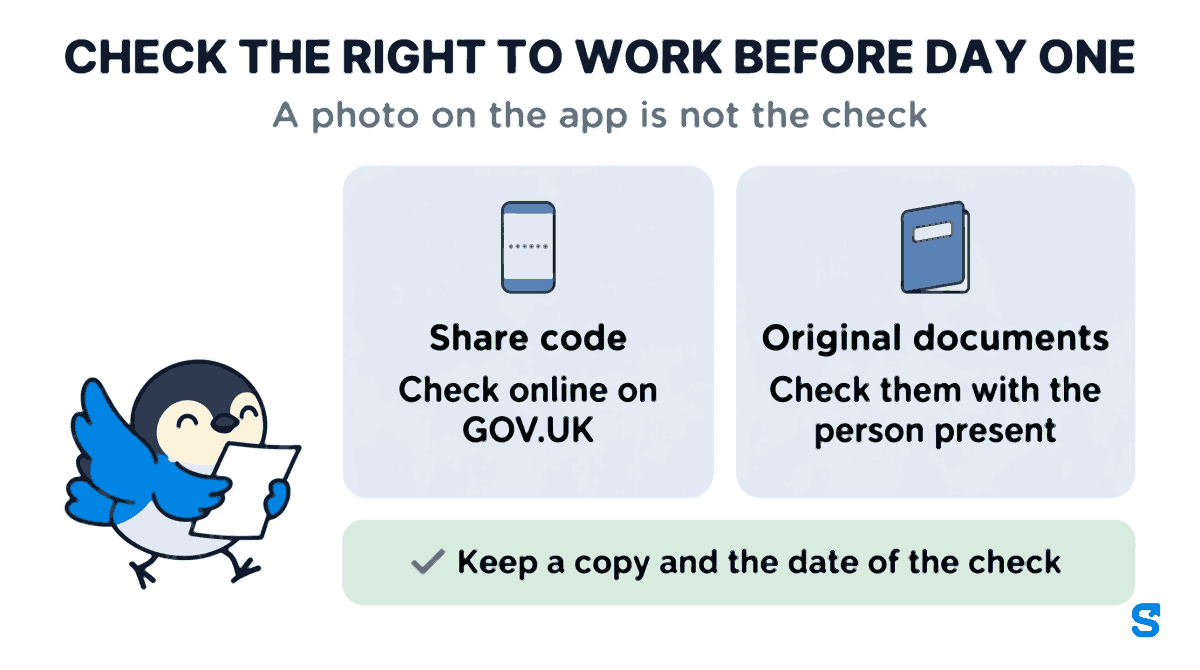
In short: check the right to work before day one. Share code: check online on GOV.UK. Original documents: check them with the person present. Either way, keep a copy and the date of the check.
The page that settles any question is the Home Office employer's guide linked from that gov.uk page; it lists which documents are acceptable. This is general information, not legal advice: check with the agency or an employment lawyer for your case.
Why the photo on the app is not the check
This is the one point to keep straight. When a new starter photographs their passport on their phone and sends it to you, you have not done a right to work check. You have a preview of what they will bring. gov.uk describes the check as looking at the original documents with the person present, or checking online with the share code.
So use the two together:
- Before the first shift, the new starter sends what they have: a photo of the passport, or their share code typed in.
- You do the check itself: the share code on gov.uk, or the passport in your hand with them in front of you.
- You keep the copy and the date the way gov.uk describes, and mark the item as done.
Sending first means no surprises on the day. A cleaner who turns up with a biometric residence card, which gov.uk says you can no longer accept, is someone you could have asked for a share code a week earlier.
Collecting it on their phone: the Onboarding checklist
Shiftelio's own description of this feature is short: collect documents from new joiners and check them off. In the owner's app it is under Team Structure, then Onboarding, on the page headed Employee Docs.
1. Build the checklist once. Tap Create Template, give it a Template Title such as "Evening cleaner, new starter", and add one Requirement for each thing you need. Each requirement has an Input Type:
- Image (Camera/Gallery) for the passport photo or the P45.
- Text Input for the share code or the emergency contact.
- File Upload for a PDF someone already has.
- Date Picker and Number Input for anything else you ask.
- Joining Letter / Signature, which shows your contract text and lets the person sign it on the screen.
Tick Required field on the ones nobody starts without, and use Helper Text to say exactly what you want, for example "Photo of the page with your photo and the expiry date".
2. Send it to the new starter. Add the person as staff the week before they start, then Assign the template to them. If the contract has blanks such as their hourly rate, the app asks you to fill them in before it goes.
The aim is simple: new starter paperwork, in before the first shift, sent to their phone the week before they start.
3. They fill it in on their own phone. The checklist opens in their Shiftelio app. Until it is done, the app keeps showing it to them, and if it is left too long their access is held until the paperwork is in and approved.
4. You go through it. Each item shows as it arrives, and the Onboarding menu carries a count of what is waiting for you. Open the person and you see every item with Approve or Reject. Reject asks for a reason, such as "the expiry date is cut off, please send the full page", and the new starter gets a notification to send it again. When every item is approved the checklist shows as complete. A signed contract keeps the signature and when it was signed.
A worked example from a cleaning firm
A commercial cleaning firm in Leeds with 14 cleaners takes on two more for the evening office round, starting on a Monday.
- Tuesday the week before: the owner adds both as staff and assigns the "Evening cleaner, new starter" checklist.
- Wednesday: the first cleaner, a British citizen, sends a passport photo, her P45, bank details and an emergency contact, and signs the contract on her phone. The second cleaner types in his share code and sends everything except the P45.
- Thursday: the owner checks the share code on gov.uk, keeps the result with the date, and approves that item. He has no recent P45, so the owner rejects that item with the reason "no P45, please send a photo of the HMRC starter checklist instead", and he sends it that evening.
- Monday, 6pm: before the first shift, the owner checks the first cleaner's original passport with her present, keeps the copy and the date, and approves the last item. Both checklists show complete. Nobody is chasing a P45 on payday.
Which app collects new starter paperwork?
You can see the rest of what the owner's app covers on the features page, or start from Shiftelio for UK businesses.
Questions owners ask
When should an employer do a right to work check?
Before the person starts working for you. gov.uk says you must check a job applicant is allowed to work in the UK before you employ them.
Can I do a right to work check from a photo the new starter sends?
No. gov.uk describes the check as an online check with the share code, or looking at the original documents with the person present. A photo sent in advance is a useful preview, not the check.
What documents does a new employee need to give me in the UK?
Usually proof of their right to work, a P45 or HMRC starter checklist, bank details, an emergency contact and a signed contract. Add anything your trade needs, such as a DBS certificate.
How long do I keep right to work copies?
gov.uk says during the person's employment and for 2 years after they stop working for you.
Can a manager send the checklist instead of me?
Yes. In Roles you can give a manager the Onboarding permissions, so they can create checklists and assign them to new starters.