Expense Claims from Field Staff: From the Bill to the Payslip
In short
How to handle reimbursement of expenses for field staff: photograph the bill, take it off their work cash first, then pay the rest by hand or with salary.
- Reimbursement of expenses for field staff starts with the work cash you already handed over: an approved bill comes off that first, and only the rest is owed back.
- A receipt scanner is worth having only if it reads the GSTIN and the invoice number, not just the total.
- Input tax credit on a FY 2025-26 invoice dies on 30 November 2026. A bill sitting in a glovebox until December is a bill you paid full price for.
Handling an expense claim from field staff properly takes four steps: the bill is photographed on the day, the approved amount comes off any work cash that person is holding, only the remainder is paid back, and the payback is either marked paid by hand or added to the next salary. In Shiftelio all four happen on the Money pages, and every bill of the month comes out as one Excel file for your CA.
The man with your cash and a fistful of bills
You gave the site supervisor Rs 5,000 on Monday because he was going to be out for four days and there was no way around it. On Friday he is standing in your office with a rubber band around eleven pieces of paper, two of which are thermal-printer receipts that have already started to fade.
Now answer one question: who owes whom, and how much?
Most businesses answer it with a calculator and an argument. The supervisor remembers a toll that has no receipt. You remember an advance last month that you are fairly sure was never squared off. Somewhere in the pile there is a bill with a GSTIN on it worth real money to you, and nobody is going to type it into anything.
This article is about closing that loop properly: the photograph, the fields that come off it, the work cash that has to be netted before anybody gets paid, and the payslip line where it ends.
What a scanner actually reads off an Indian bill
"Receipt scanning" is sold as a way to save typing. That undersells it. The typing was never the expensive part. The expensive part is everything on the bill that nobody types at all.
When somebody photographs a bill in Shiftelio, the document is read for far more than a total:
- The merchant name, address and phone number.
- The vendor's GSTIN, which is the field that decides whether this bill is worth anything to you beyond the cash.
- The invoice or bill number, and the date and time of purchase.
- The subtotal, any discount, the taxable value and the tax total.
- The CGST, SGST and IGST split, each with its own rate and amount.
- Every line item: description, quantity, unit, unit price, tax and product code.
- Whether the document looks like an invoice or a receipt, and how sure the read is.
The employee never sees most of that. Their screen asks for the shop, the amount, the date, a category and how it was paid, and those fields arrive already filled. The tax breakdown and the GSTIN travel quietly underneath, attached to the bill.
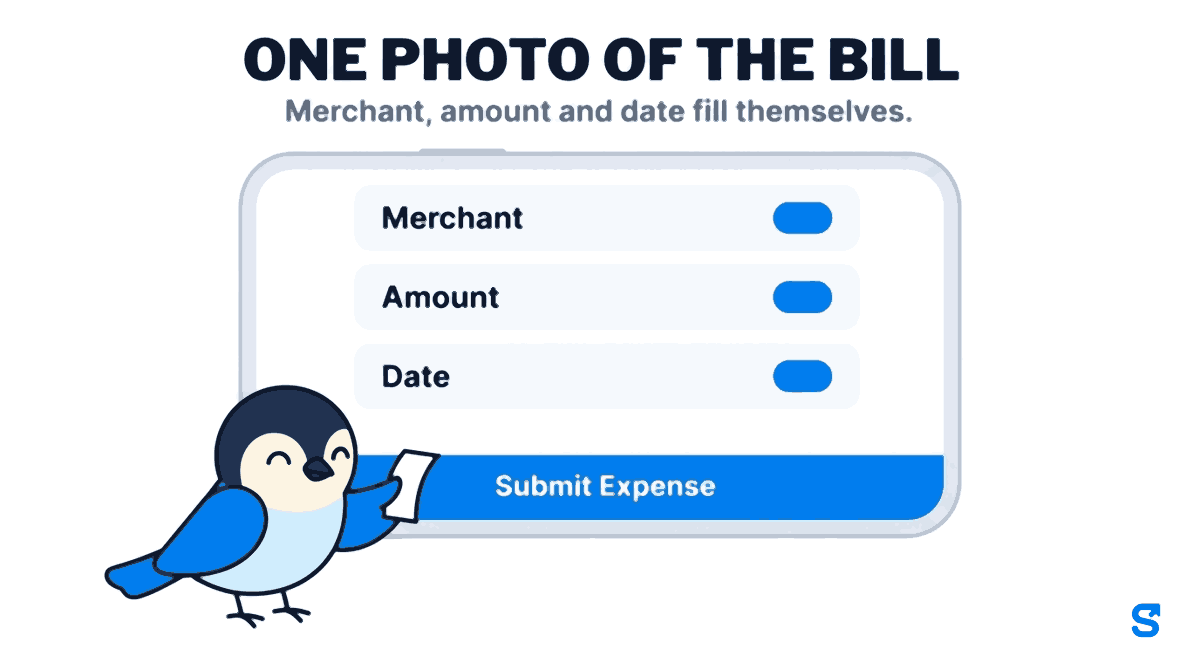
One small thing that matters more than it sounds: the merchant is remembered. The next time anyone in the business types the first few letters of that petrol pump, the name, the address and the GSTIN come back with it. A known vendor's details are never overwritten by a worse read of a faded bill, only filled in where they were blank. Over a year a field team builds a vendor list nobody sat down to build.
The date the credit stops existing
Here is the part of expense management that is quietly a deadline rather than an admin task.
A bill from a GST-registered vendor carries input tax credit. Under section 16(4) of the CGST Act, credit on an invoice issued during a financial year must be claimed by 30 November following the end of that year, or the date you file the annual return, whichever comes first. For invoices issued during FY 2025-26, that date is 30 November 2026.
There is no discretion in it and no extension to ask for. The invoice also has to appear in your auto-drafted GSTR-2B for you to claim against it, which is a separate problem, but the first and most avoidable failure is simpler than that: the bill never reached the accounts at all, because it was in somebody's pocket.
A faded thermal receipt with an unreadable GSTIN is not a filing problem. It is a bill you paid full price for, and you will not find out until it is too late to fix.
This is the real argument for photographing a bill on the day it is issued rather than at the end of the month. The paper degrades. The phone image does not. Official guidance on both the credit rules and GSTR-2B lives on the CBIC GST portal and the GST portal, and both are worth reading before you decide how long a receipt can sit in a vehicle.
The work cash comes off first
This is the part almost no expense app gets right, and it is the reason an Indian field team cannot use a tool designed for a company that runs on corporate cards.
Expense software is generally built on an assumption: the employee spent their own money, so an approved claim is money the business owes them. That is true in an office. It is not true on a site, where the business handed over cash on Monday precisely so that nobody would have to spend their own money.
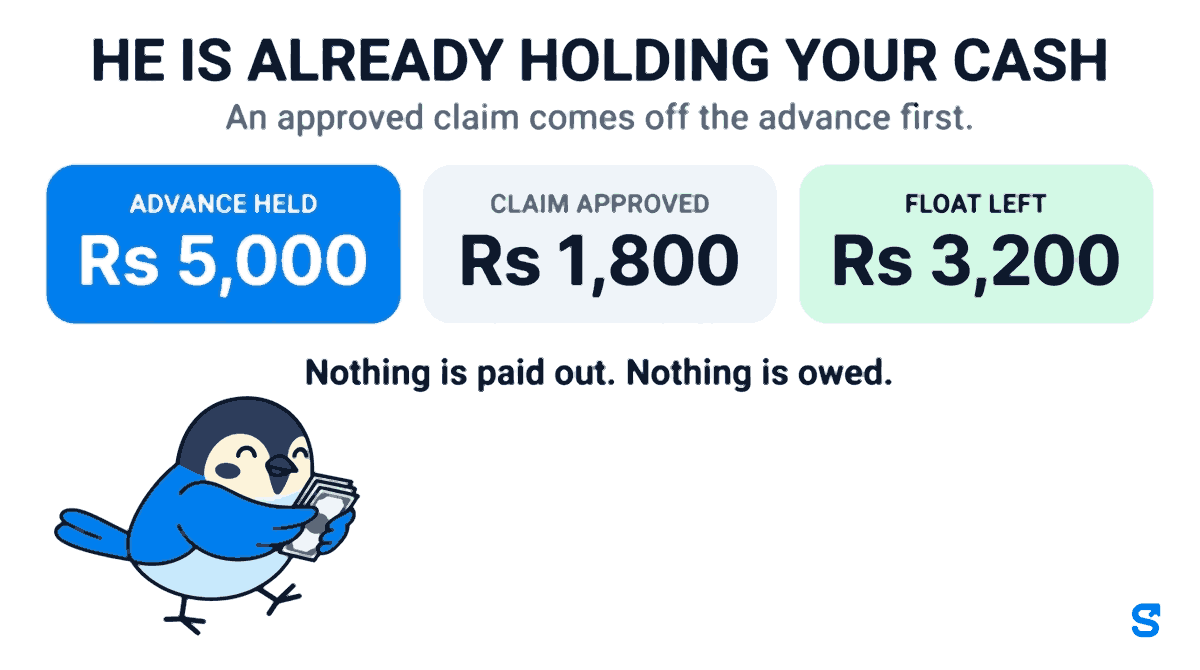
In Shiftelio the cash you hand over is recorded as work cash held by that employee. When you approve a bill, you answer one question on the screen: Whose money paid this bill? The choices are Work cash, shown with how much that person has left, and His own money. Pick work cash and the approved amount comes off what they are holding before anything is treated as owed:
| Bill is Rs 1,800 | Bill is Rs 6,400 | |
|---|---|---|
| Work cash held | Rs 5,000 | Rs 5,000 |
| Comes off the work cash | Rs 1,800 | Rs 5,000 |
| Still owed to them | Nothing | Rs 1,400 |
| What you do next | Nothing. It closes itself. | Pay back the difference |
A bill fully covered by work cash closes on approval and never appears on anyone's payment list, because no money is moving. A bill larger than the work cash leaves only the genuine remainder to pay back. And a company bill you paid for yourself has nobody to reimburse, so it is booked as a cost and stops there.
Approval is also not treated as final. You can approve a lower amount than the bill asks for, and an approved bill that has not been paid yet and is not on a payroll can be put back with Undo approval. Re-approving at a different figure never takes the work cash twice: the earlier charge is handed back first.
Where the bills live: the Money pages
Every bill now sits under Money in the business app, on two tabs.
Waiting is the queue of bills nobody has decided yet. Each one can be decided right there, without opening anything:
The approved amount can be edited before you confirm. If the bill does not say whose money paid it, you have to pick work cash or his own money first, so nothing is guessed.
You write what is wrong, a missing photo or the wrong category, and the bill goes back to the person who added it.
The person sees why. A bill said no to never touches anyone's work cash.
On a computer you can tick several bills and use Approve selected in one go. One rule holds everywhere: no manager approves their own bill, even with full expense rights. The full reasoning is in why a manager cannot approve their own expense bill.
Expenses is every bill, decided or not. Filters for dates, categories, people, status and whether there is a photo stay in the page address, so a filtered list can be bookmarked or sent to a partner. A strip above the list totals the whole filtered set: Company, Staff, Waiting and To pay back. Tap any bill and its panel opens beside the list with the receipt photo, the shop, the invoice, who paid and any policy flag, such as a missing receipt or a bill over the category limit.
From approved to paid
An expense app that stops at "approved" has handed the problem back to you. You still have to remember to pay it.
A bill with money still owed shows To pay back, and it ends in one of two ways:
Filter Expenses to To pay back, tick the bills and tap Mark paid. Choose Paid now or Paid outside, the date, and an optional reference such as a UPI transaction number. A bill already claimed by a payroll is skipped and the screen tells you how many were.
The bill waits for payroll. Once a payroll picks it up, it shows To pay back - in payroll, and when that payroll is marked paid it shows Paid with salary. On the payslip it is a reimbursement line named after the shop.
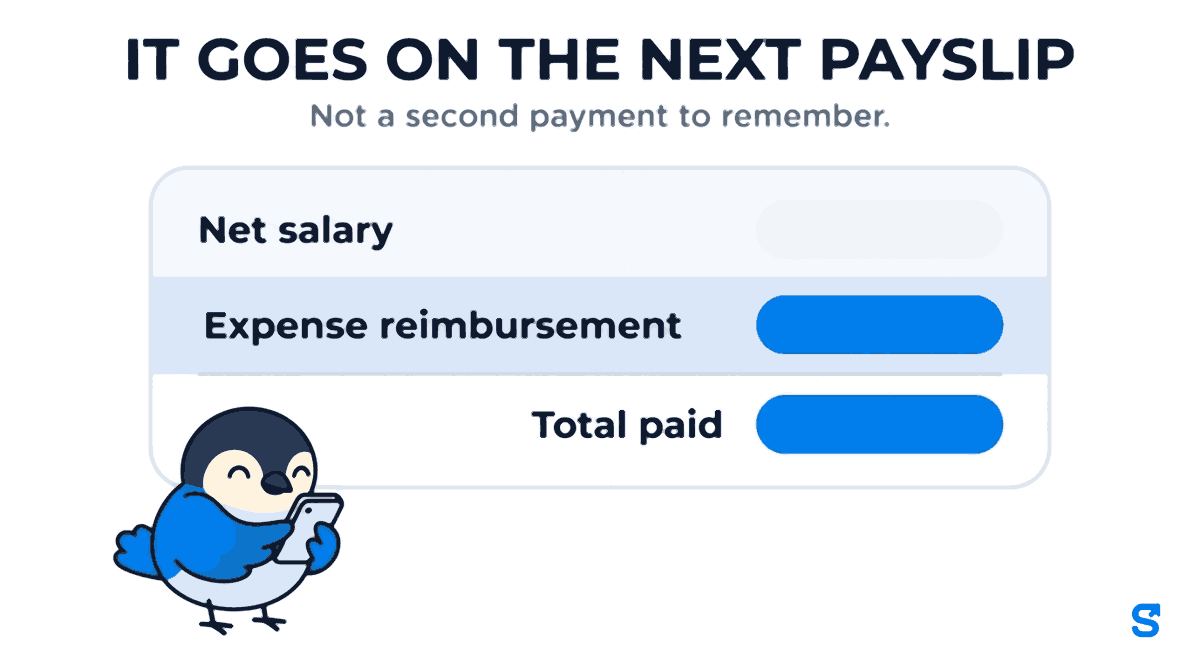
The payroll route has an ordering detail worth knowing, because it decides whether people get paid fairly. Reimbursements are added to net pay before any advance recovery is capped. They are money the business genuinely owes, so they legitimately raise the amount that an outstanding advance can then be recovered from. Do it the other way round and you get the classic unpleasant surprise: a payslip where the reimbursement and the recovery cancel out and the person takes home less than they expected.
Once a bill is on a payroll it cannot be re-decided. The payslip is the record of what was paid, and changing money underneath a payslip is how reconciliation breaks. You revert that payroll first or you leave it alone.
Every bill, one Excel for your CA
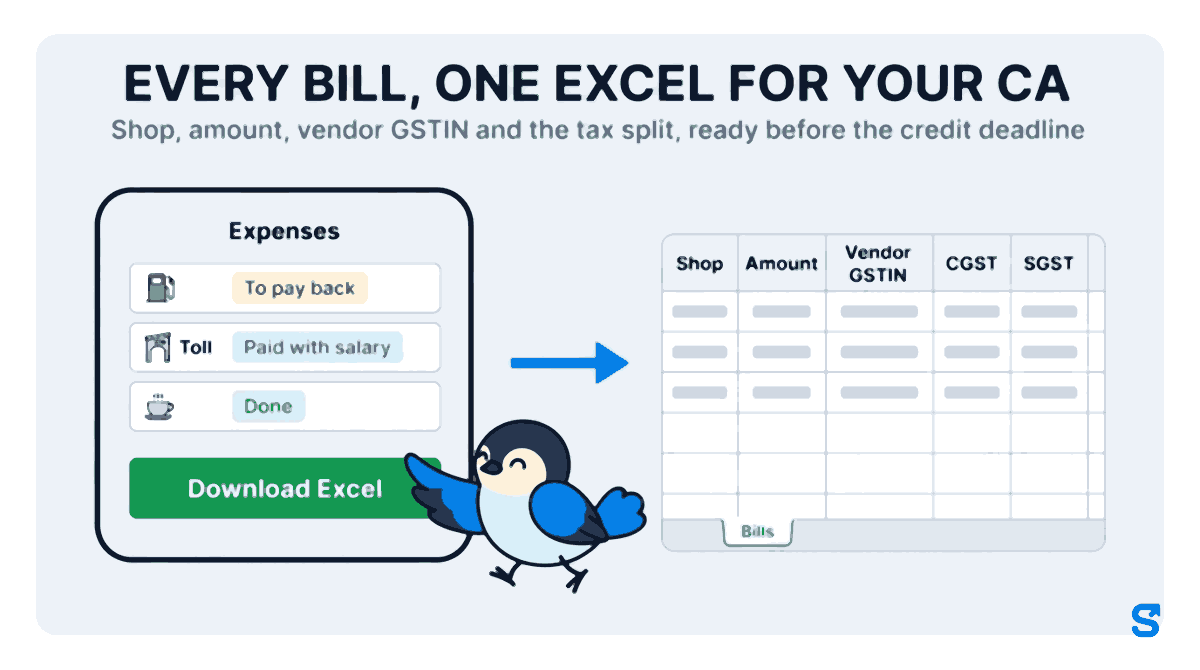
The 30 November deadline is only met if the bills reach whoever claims the credit. On the Expenses tab, Download Excel makes one file for any period you pick, dated by bill date, approved date or paid date, and it carries the filters you already set.
The file has a Bills sheet with a totals row, and you can add a By category sheet. Tick GST columns and every row also carries the vendor GSTIN, CGST, SGST and IGST that were read off the photograph: shop, amount, vendor GSTIN and the tax split, ready before the credit deadline. There is an option for column names in English when the app itself runs in another language, and one for a link from each row back to its bill.
What the rules actually block
Policy in most expense tools is advisory. Somebody submits a claim over the limit, it gets flagged, and a human decides. That is fine for a dozen office staff and useless for sixty people on sites.
Shiftelio splits it in two. A category can carry a maximum that is a hard block when the bill is added, so a bill over that number is never created. Separate policies can require a receipt, require a justification, or set an amount ceiling, and those attach to a category or to everyone. Categories are managed from the same Money pages.
There is also a quieter guard that catches the single most common honest mistake. If the same employee adds the same amount on the same date moments apart, it is refused as a duplicate unless the person confirms it is a real second expense. Thumbs on phones in bad light double-submit constantly, and a double-submitted bill that gets approved is a double payment.
Where this is the wrong tool
Some honesty, because an expense module that claims to be an accounting system is going to disappoint somebody.
This is not accounting software and it does not file anything. It captures the GSTIN, the invoice number and the tax split, and it gives you the Excel, but reconciling that against your GSTR-2B and actually claiming the credit happens in your accounting system or at your CA's desk. If you are looking for something that files returns, this is not it and no attendance platform should pretend otherwise.
It also does not issue cards or hold a wallet. The work cash is real cash you handed over, tracked honestly. If your model is company-funded UPI wallets with spend controls at the point of payment, that is a different category of product.
And a receipt scanner is a reader, not an oracle. It says when a read is uncertain and marks line items that may be wrong, and someone should look at a bill that comes back unsure. Approving without looking is the same mistake as before, made faster.
Which app does the work cash and the bill together
See the full picture of what the platform covers on the features page.
Does an employee need a smartphone for this?
For photographing a bill, yes. Someone else can add the bill on their behalf, and the record notes whether it was added by the employee, a manager or the owner, but a photograph needs a camera.
What happens if the scanner reads the amount wrong?
Every field is editable before the bill is sent, and the read says when it is unsure. When you approve, you can also change the approved amount. Nothing is approved just because it was scanned.
Can a manager approve expenses, or only the owner?
A manager can, if their role carries the expense approval permission, but never for their own bill. Permissions are set per role, and new abilities default to off for every existing role, so somebody has to switch it on deliberately.
If I approve a bill and then change my mind, is the work cash charged twice?
No. Undo approval hands back what was taken from the work cash, and approving again at a different figure takes only the new amount.
How do I give my CA every bill for the month?
Open Money, then Expenses, tap Download Excel, pick the period and tick GST columns. The file lists every bill with the vendor GSTIN and the CGST, SGST and IGST split.
Does the employee see when they get paid back?
Yes. The bill's status in their own app moves from Waiting approval to To pay back, and then to Done or Paid with salary.
Keep reading
Free to use, no signup: Payroll calculators.