Home Care Patient Register in Excel: Download It Instead of Typing It
In short
A home care agency can download its patient register, visits, care plan and monthly charges as one Excel file, for all patients or one, for up to 12 months.
- A home care agency does not need to type a patient register in Excel. If visits are already recorded in the app, the register, the visit log, the care plan and the monthly charges can be downloaded as one Excel file.
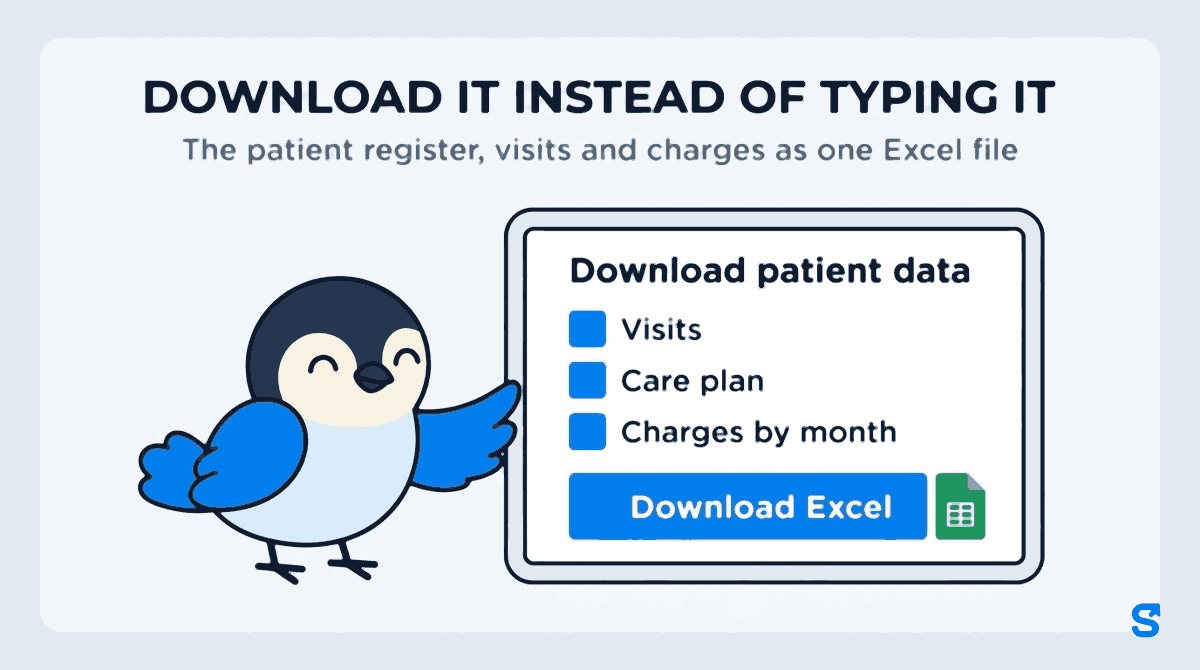
- In Shiftelio, the owner opens Patients and taps Download Excel, picks which patients (all, active, on hold or stopped) and a period of 1 to 12 whole months, and gets up to six sheets.
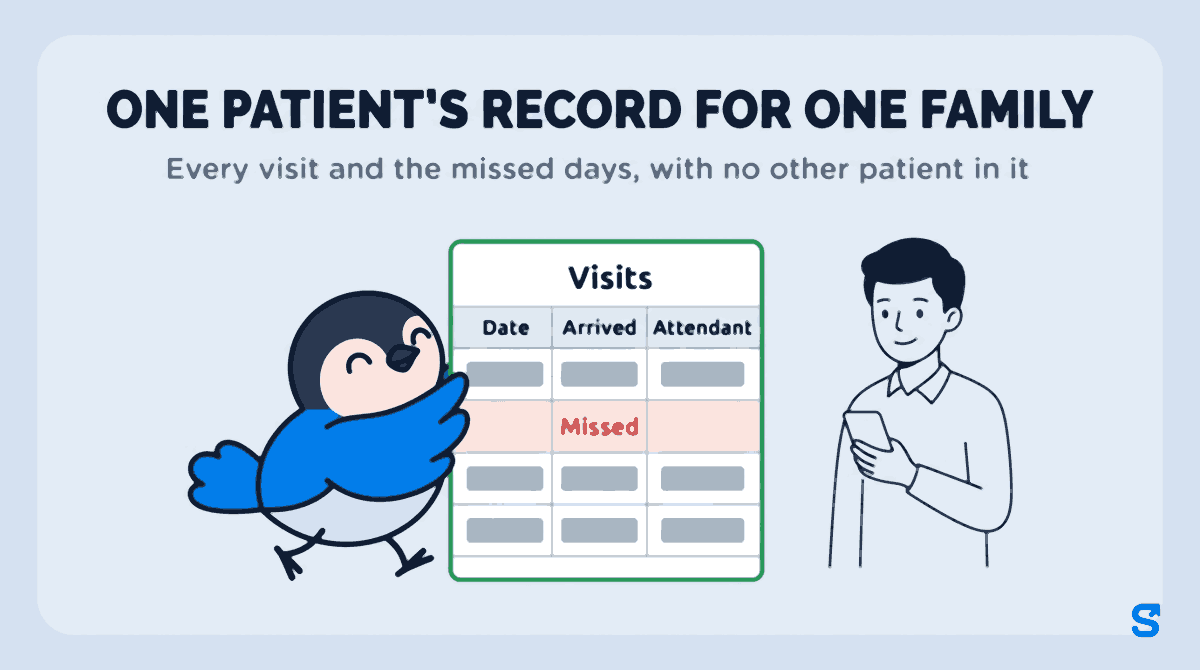
- One patient's record for a family, a doctor or an insurer comes from that patient's page with Download this patient.
A home care agency should not be typing its patient register into Excel. If your attendants already mark every visit on their phones, the patient data Excel sheet your accountant, an auditor or a family asks for can be downloaded in one go, with the visits already counted.
That is the short answer. The rest of this article shows what a typed patient register gets wrong, what Shiftelio's Download patient data file contains sheet by sheet, who in your office is allowed to download it, and when a plain Excel template is still the better tool.
Why the typed patient register is always a month behind
Search for "patient register format" or "patient database excel" and you get templates: a row per patient, columns for name, age, address, phone, diagnosis and a few blank columns for visits. They look tidy on day one. In a home care agency they go wrong in the same three places every month.
- The visit columns are filled from memory. An attendant spends twelve hours at a patient's home. The office learns what happened from a WhatsApp message, a phone call or a notebook that comes in at the end of the week. Somebody then types "26 visits" into a cell, and nobody can say which 26.
- The register and the bill disagree. The coordinator keeps the patient list, the accountant keeps the charges, and the two sheets are typed by different people. When a family disputes a bill, there is no single file that shows the visits and the charge side by side.
- Stopped patients vanish. When care ends or goes on hold for a hospital stay, the row gets deleted or coloured grey. Three months later a family asks for a record of their father's care and the agency has to rebuild it from chat history.
None of this is a formatting problem. It is a typing problem. The information already exists the moment an attendant checks in at the patient's door; the register just has to be read out of it.
What one download gives you
In Shiftelio, open Patients in the home care section and tap Download Excel at the top. A window called Download patient data opens. It asks three things:
- Which patients. All, Active, On hold or Stopped. It starts on the tab you were looking at, so if you were on Stopped, the file is for stopped patients unless you change it.
- Period for visits and charges. This month, Last month, Last 3 months, This year, or Custom with a From month and a To month. It works in whole months, from 1 to 12.
- Include. Patients and services are always in the file. Tick or untick Visits, Care plan, Charges by month, and Holds and stops.
Under Options there is one more tick, Column names in English. The app works in Hindi, Marathi, Tamil and other Indian languages, and the file follows the language you use the app in. If your coordinator works in Marathi but your accountant reads English, tick it and the sheet headings come out in English.
Tap Download Excel and the file arrives as an ordinary Excel workbook that opens in Excel, Google Sheets or WPS on a phone or a computer.
The six sheets, and what each one answers
| Sheet | One row per | The question it answers |
|---|---|---|
| Patients | Patient | Who are we caring for, how do we reach the family, and how many visits were done, missed or not recorded in this period? |
| Services | Service on a patient | What does each patient receive, on which days, at what time, and which attendant does it? |
| Visits | Visit, and every missed visit | What actually happened at the door on each date: arrived, finished, hours, tasks done, photos, readings, notes and handover? |
| Care plan | Job on a patient's plan | What is the attendant supposed to do, how often, with what instructions, and does it need a photo or a reading? |
| Charges by month | Patient | What did each patient's care come to in each month of the period, and which visits had no price set? |
| Holds and stops | Hold or stop | When was care paused or ended, from when to when, and why? |
Patients: the register itself
This is the patient register a template asks you to type, already filled. Each row has the patient's name and Patient code, their Status (Active, On hold, Stopped or Setting up), Care started and Care ended, gender, Phone, Address, Area / branch, the Emergency contact and Emergency phone, and the Care notes your office wrote.
Then come the columns a template can never fill on its own: Services now, Staff now, and for the period you picked, Visits done, Visits missed and Visits not recorded. Live-in patients get the same counts in days instead of visits. Last visit in this period shows the date the patient was last seen, which is the quickest way to spot somebody who has quietly dropped off the schedule.
Phone numbers stay exactly as typed. They do not turn into a number like 9.88E+09, which is what happens when a template stores a mobile number as a figure.
A discharged patient still has a row, with their visits done filled in. The sheet says plainly that the other counts are blank for them, so nobody reads an empty cell as "missed".
Visits: the record a family or an insurer asks for
The Visits sheet is the one you send when somebody asks "what was done for my mother last month". Every visit is a row: Date, Arrived, Finished, Hours, the Attendant, the Visit name, its Status, and how many jobs on the list were done, how many were marked not needed and why. It counts the photos and notes left on the visit, and carries the Readings the attendant took (a blood pressure or a sugar reading, if your care plan asks for one), the Job notes and the Handover written for the next attendant.
Missed visits are rows too, marked Missed, with the attendant who was booked. A record that only listed the good days would not be a record.
Charges by month: only for people who see charges
If you are allowed to see charges, the file adds Charges by month: one row per patient, one column for each month in the period, a Total, and Visits with no price, the visits that were done but have no charge set against them. That last column is where money leaks in a home care agency. A visit nobody priced is a visit nobody billed. The Patients sheet gains Charged so far for the same reason.
For a stopped patient, the total still includes what their care came to before it ended, the same as the Home Care money screen.
Totals that respect a filter
Every sheet opens with its header row fixed in place and a filter on every column. The totals at the bottom add only the rows you can see. Filter the Visits sheet to one attendant and the hours total becomes that attendant's hours, not the whole agency's. Excel's own guide to filtering data in a range explains the filter buttons if your coordinator has not used them before, and Google's help on opening Excel files in Sheets covers the phone side.
One patient's record, for one family
A family does not need your whole patient register. They need their own person's care. Open that patient's page, open the menu, and tap Download this patient. The same window opens, already set to that one patient. Pick the months and the sheets, and the file contains only them.
A worked example. Kavya runs a home care agency in Pune with 30 patients. Mr Deshpande's son asks for a record of his father's care from July to September, because the family's insurer wants proof of home nursing visits. Kavya opens Mr Deshpande's page, taps Download this patient, picks Custom from July to September, unticks Charges by month because the son asked only for visits, and sends him the file. It shows every visit in those three months with the arrival and finish times, the attendant, the jobs done and the blood pressure readings, and the two days in August when the visit was missed. Nothing about any other patient is in it.
Who in your office can download it
A patient file is not a staff roster. It holds every patient's phone number, home address and care notes, in one file that can be forwarded in seconds. So the download is locked down by default.
- The owner can always download it.
- A manager needs the Download patient data tick on their role, on top of being able to see patients. The tick is off on every existing role, so nobody gets it until you give it to them. The role screen warns, in its own words, that this puts every patient's phone, address and care notes into one file they can forward.
- Charges appear in the file only for somebody who also has See charges. A coordinator who can download patients but not see money gets a file with no charge columns and no Charges by month sheet.
Give the tick to the person who actually sends records to families and accountants, not to every coordinator. And tell your team the rule you would want if it were your own parent's address: download for a reason, send it to the person who asked, and delete it from the phone afterwards.
The information in this file is personal data, and much of it is about health. India's Digital Personal Data Protection framework, published by the Ministry of Electronics and Information Technology, is where the rules on handling personal data come from. Shiftelio limits who can download the file; what your agency does with a file once it is on somebody's phone is your agency's policy. This is general information, not legal advice.
When a template is still the right answer
If your attendants do not mark visits on any app, a downloaded patient register template is the honest answer: somebody will be typing the visits either way, and a template at least gives the typing a shape. If you look after five patients with two attendants, a notebook is fine.
The download earns its place when the visits are already being recorded at the door: once you have more patients than one coordinator can remember, an accountant who asks every month why the charges and the visits do not match, or families who ask for a record and expect it the same day. At that point the question is not which register format to use but why anybody is still typing the visits in. For how the visit itself gets recorded when there is no signal at the patient's door, see offline attendance for home care attendants.
Which home care app downloads the patient register in Excel?
Can I download my home care patient data in Excel?
Yes. In Shiftelio, open Patients, tap Download Excel, choose the patients and a period of 1 to 12 months, and the app gives you one Excel file with the patient register, services, visits, care plan, monthly charges and holds and stops.
Can I download the record of just one patient?
Yes. Open the patient's page, open the menu and tap Download this patient. The file contains only that patient's sheets, so you can send it to the family without sharing anybody else's details.
Can a coordinator download patient data without seeing our rates?
Yes. The download needs the Download patient data tick, and charges need a separate See charges tick. Without See charges, the file has no charge columns and no Charges by month sheet.
Does the patient Excel include stopped or discharged patients?
Yes. Choose Stopped or All in Which patients. A discharged patient keeps a row with their visits done, and the Holds and stops sheet shows when care ended and why.
Will the Excel file open on a phone?
Yes. It is a normal Excel workbook and opens in Excel, Google Sheets or WPS Office on a phone or a computer, with the header row fixed and a filter on every column.
Keep reading
Free to use, no signup: HR letter formats.