Washroom Cleaning Checklist: Move the Sheet Off the Door and Into a Daily Task
In short
The paper washroom checklist gets ticked at the end of the shift in one pen. How housekeeping contractors run it as a daily task with a photo instead.
- A paper washroom cleaning checklist records a claim; a daily task with a Camera Only photo records the work.
- Build the washroom check once as a template, then schedule it daily, weekly or monthly for the right people.
- Tick Required to finish before clock out and the shift cannot end with the check blank.
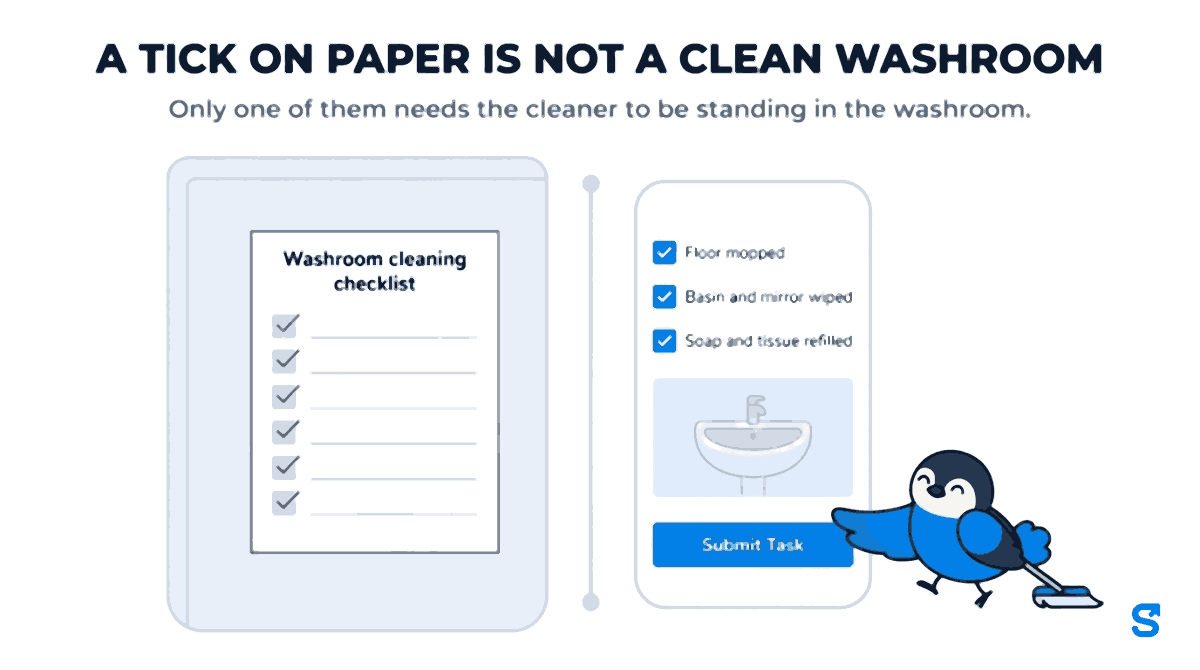
Walk into the washroom of almost any office, mall or hospital in India that uses a housekeeping contractor and there is a sheet on the back of the door. A printed washroom cleaning checklist in a plastic holder, a column of times down the left, a column of signatures down the right. Every slot ticked. Every tick in the same pen.
Anybody who has run a housekeeping crew knows how that sheet gets filled in. Not at eight, ten, twelve and two, but once, near the end of the shift, by whoever remembered. The client's facility manager knows it too, which is why the sheet on the door settles nothing the day a tenant complains.
This article is about replacing that sheet with something that cannot be filled in from memory: a daily task that the cleaner opens on their phone, works through, and closes with a photograph. It is written for the owner of a housekeeping or facility services company with crews at client sites, and it walks through how we built exactly that inside Shiftelio.
Why the paper sheet stopped being good enough
Two things changed, and neither is going back.
The first is who is holding the mop. Metro attrition in housekeeping and guarding exceeded 40% in 2025, according to Mordor Intelligence, as workers moved to e-commerce and gig work. A crew that turns over that fast is always partly new. The laminated instruction sheet in the store room is read once, if at all. Whatever tells a new cleaner what "done" means has to be in front of them at the moment they start, every day, not in a folder.
The second is who is checking. Under the revised Swachh certification protocols that the Ministry of Housing and Urban Affairs launched on 25 June 2022 under Swachh Bharat Mission (Urban) 2.0, the ODF+ standard focuses on whether community and public toilets actually function, and on the operations and maintenance model that keeps them that way. Public sanitation is now judged on upkeep, not on having been built. Private clients have picked up the same language. The facility manager who hires you wants to see that the washroom was maintained on the day in question, and a column of identical ticks does not show that.
- 40%+ metro attrition in housekeeping and guarding in 2025
- 4 ways to repeat a task: once, daily, weekly, monthly
- 90 days default life of a task photo before it is deleted
What the paper sheet actually fails at
It is worth being precise, because the fix has to answer each failure and not just digitise the sheet.
- It records a claim, not the work. A tick says somebody says it was done. It carries no picture of the basin.
- It can be filled in late. Nothing stops the whole day being ticked at six in the evening.
- Nothing stops the shift ending with it blank. The cleaner clocks out, the sheet stays empty, and you find out when the client does.
- It tells you nothing across a month. You cannot look at thirty sheets and see that one cleaner finishes fourteen days in eighteen and another finishes all of them.
- It disappears. The sheet is replaced every week and the old one goes in the bin.
An app that only swaps paper for a screen of tick boxes fixes the last one and none of the others. The rest need the task to know about the shift.
Build the washroom check once, as a template
In Shiftelio this starts on the Tasks screen, with a task template. A template is the description of the work: its title, its instructions and the form the cleaner fills in. You build it once and every day's task is made from it.
For a washroom, the form usually has four fields:
Tick boxes for the things that are always done: Floor mopped, Basin and mirror wiped, Soap and tissue refilled. Keep it short. A list of fifteen items gets ticked top to bottom without looking, exactly like the paper.
Add a photo field and set its Allowed Source to Camera Only. The cleaner's screen then shows a Take Photo button and no Upload button, so the picture has to be taken there and then rather than picked out of the gallery. This is the single setting that does the most work.
A dropdown such as "Anything to report" with options like No issue, Tap leaking, Drain blocked, Supplies short. It turns the most useful thing a cleaner knows into something you can filter by, instead of a remark nobody reads.
Tick "Show reminder to employee at shift start (check-in)?" and write the instructions in plain words. You can also attach a reference image: a photograph of the washroom as it should look when it is done. For a crew that is always partly new, that one picture is the training.
The form fields available are text, photo, checklist, dropdown and a single-choice option list. That is deliberately small. A washroom check does not need more than that, and neither does a pantry, a lobby or a lift car.
Make it repeat, and give it to the right people
A template on its own does nothing. You turn it into daily work by scheduling it: pick who does it, and how often.
- Daily for the washrooms themselves.
- Weekly, on the days you choose, for the deep clean or the descaling.
- Monthly, on the same date, for the tank cleaning or the pest control visit you are contracted to supervise.
- Once, for the one-off clean before a client audit.
Each day, the app creates that day's copy of the task for every person on the schedule, so the cleaner on the second floor sees today's washroom check when they check in, and yesterday's is its own record with its own photograph. When somebody is absent, a manager can transfer that day's task to another member of the crew instead of letting it go unassigned.
The part paper cannot do: the shift waits for it
This is where a daily task stops being a digital sheet.
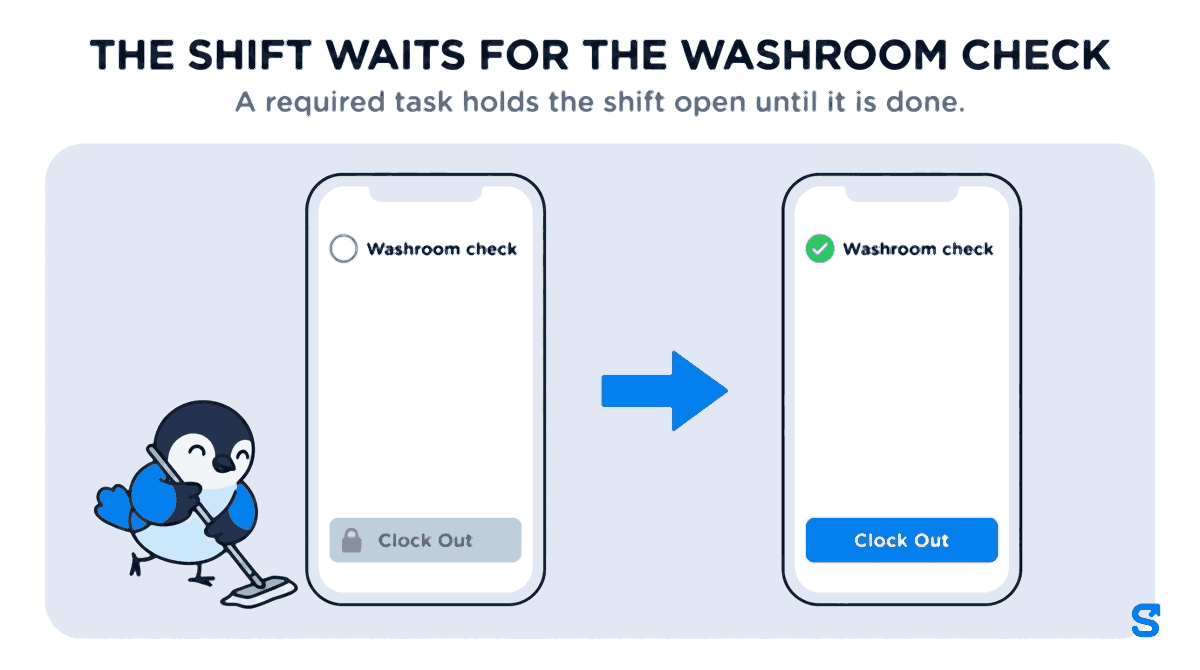
When you build the template you can tick "Required to finish before clock out?". If that washroom check is still open when the cleaner tries to clock out, the app refuses the clock-out and names the task that is still open: "You cannot clock out until you complete the following required tasks", followed by its title. The cleaner goes back, finishes it, takes the photo, and then the shift closes. There is no version of the day where the shift ends and the check stays blank.
There is a second, softer option beside it: "Must be submitted before the next check-in if left incomplete?". This is for the day the cleaner leaves early, or the system clocks them out automatically at the end of the shift with the task unfinished. They are not blocked that evening. Instead, the next morning they are asked to submit yesterday's task before they can check in. On its own it carries no penalty. It simply means an unfinished washroom check cannot quietly vanish.
When a task is submitted after its day has ended, it is marked Late, filed after the day ended, and the cleaner can add a line on why. "My phone died before I could finish" is a very different story from silence, and you get to read which one it was.
What the supervisor looks at
Everything submitted lands on the Tasks screen, and anything that needs a look sits under Needs review. A supervisor opens the submission, sees the ticks, the dropdown and the photograph, and either approves it or rejects it. A rejection needs a reason, and that reason is what the cleaner sees: "Photo is blurry, please retake in daylight" gets a better second attempt than a red cross.
Two things on that screen are the ones owners tell us they did not have before.
A 30-day figure beside every name. Each person shows how many of their tasks they finished over the last 30 days, written as something like 14/18 done · 30 days, and it is flagged when the share falls below 60 percent. Today's task does not count against them until the day is over. This is the number that tells you, before the client does, which site has a problem.
Excused days, with a reason. When a task was missed for a reason that is not the cleaner's fault, the washroom was locked for a repair, the site was closed for a festival, you can excuse it. It stops counting as missed and is left out of that person's figure, and the record is kept with your reason. The screen asks you to write it down because you will be reading it back months from now, probably in front of the client.
At month end, the whole view can be exported as a CSV: date, employee, task, status, days overdue, when it was submitted, whether it was late, and the reason anything was sent back. That is the monthly washroom cleaning checklist your client asks for in Excel, except it came from the phones rather than being typed up from the sheets.
If a client disputes a specific day and you need the photograph to hold up as evidence, that is a slightly different problem, covered in photo proof of work that survives a dispute. This article is about the routine that stops most of those disputes from starting.
Photographs do not live for ever. Task photos are deleted automatically after a retention period, 90 days by default, and the task shows "Photo no longer available" in their place. The record of the task, its ticks and its status stay. If a client contract needs photographs kept longer, download the ones that matter before then.
A day on one site, start to finish
Take a four-person crew on a commercial building, two floors each.
- Check-in: each cleaner checks in on their phone at the site and sees today's washroom check for their floor, with the instructions and the reference picture.
- Through the shift: they work through it, tick the checklist, pick "Soap short" from the dropdown on the third floor, take the photo with the camera, and tap Submit Task.
- Mid-shift: the supervisor approves three and rejects one with "Mirror not done, please redo".
- End of shift: one cleaner tries to clock out with the check still open, is stopped, finishes it and clocks out ten minutes later.
- Month end: the owner exports the month, sees one cleaner at 11/20, and has a conversation before the client does.
Nothing in that day needed a sheet on the door.
Which app runs a daily washroom checklist with photo proof?
Questions people actually ask
Can the cleaner upload an old photo instead of taking a new one?
Not if the photo field is set to Camera Only. Their screen then offers Take Photo and no Upload button. With Camera and Gallery, both are offered, which is sometimes right for other kinds of task but not for a washroom check.
Does the cleaner need a smartphone?
For the task, yes: the checklist and the photo are filled in on the phone. Attendance itself can also be marked for staff without a phone, but the photo has to come from somebody's camera.
What if a cleaner leaves before finishing?
If the task is marked Required to finish before clock out, they cannot clock out until it is done. If it is marked Must be submitted before the next check-in, they are asked to submit it before they can check in the next day.
Can I use the same template on every site?
Yes. The template is built once and scheduled to whoever you choose, on any site.
Is this an extra module I have to pay for?
No. Tasks and photo proof are part of the plans. The prices on the pricing page are the whole price.
Keep reading
Free to use, no signup: HR letter formats.