Training New Home Care Attendants on the App, in Their Own Language
In short
New attendants get stuck on the app, not the care. Short how-tos with a voice in Hindi, Marathi, Bengali or Tamil, on their own phone.
Rekha joins your agency on a Monday. She has two years with bedridden patients behind her, she reads Hindi comfortably and English slowly, and her coordinator spends ten minutes in the office showing her the app. On Tuesday at 8:05 she is standing at Kamla Devi's gate, the Start visit button will not work, and her phone rings the office. On Wednesday it rings again, because she forgot to press Done at the last home and the app is asking her something she does not understand.
None of this is a care problem. Rekha knows how to lift a patient, check a blood pressure and give a tablet. What she does not know yet is your app, and the ten minutes in the office were in the wrong language, on the wrong phone, a day before she needed them.
This piece is about teaching attendants the app itself: why it is where new staff stall, what the usual ways of teaching it miss, and how the home care side of Shiftelio now puts short how-tos with a voice in the attendant's own language on her own phone.
Caregiver training covers the care, not your app
India has a formal course for this work. The Healthcare Sector Skill Council's Home Health Aide qualification (HSS/Q5102, NSQF level 3) describes the job as helping patients with daily living at home, in old age homes and in hospices, and reporting their health to the people who run their care. That is the training an attendant arrives with, if she arrives with any.
What no course can teach her is the software your agency runs on: where Start visit is, why it refuses at the gate, what to tick, what to do when the phone has no signal. That part is always taught by the agency, usually by a coordinator who is already late for something else.
And it is usually taught in English. Hindi is the mother tongue of 43.63% of India, according to the Census 2011 Language Atlas, which means most of the country's attendants think in some other language first, Hindi or otherwise. An explanation she half understood on Monday is one she cannot replay on Tuesday.
Why the usual ways of teaching the app fall short
| How it is taught | What the attendant gets | Where it breaks |
|---|---|---|
| Shown once in the office | One run through, on the coordinator's phone | Forgotten by the first real door |
| A screen recording on WhatsApp | A video with real patient names on it | Sent once, buried in the chat, in English |
| A printed sheet of steps | Words, no pictures of the actual screen | Nobody carries it to the patient's home |
| Phone the office when stuck | The answer, eventually | Ten minutes on the phone at every door |
The last row is where the cost really sits. Every call is a coordinator stopped mid-task and an attendant standing outside a house, and it happens at exactly the moments the app matters most: the first visit, the first door with no signal, the first forgotten Done.
How Shiftelio teaches the attendant on her own phone
In Shiftelio's home care add-on, anyone who does visits has a Tutorials link in the staff menu, under My Roster. A brand-new attendant also sees a card on My Patients that reads New here? See how to start a visit, until she watches it or waves it away.
Each tutorial is a short how-to of her own screens, shown on a mock phone with a dot that lands on the button to tap and one caption per step. The patients in it are demo patients such as Kamla Devi and Mohan, never real ones, and the screen carries a Demo label so nobody mistakes it for a live visit. There are eleven for staff:
- Set up your phone
- Your first visit: start, tasks, done
- When Start won't work at the door
- The photo at the door
- Forgot to press Done?
- Ticking tasks, and "Not given"
- Handing over at the end of a duty
- No internet on a visit
- Sent as relief, or a new patient
- Saying when you're available, or can't come
- Forgot to start your shift?
The list puts the ones that fit her kind of work first. A duty attendant who stays with one patient sees Handing over at the end of a duty near the top; Show all brings up the rest. The list only reorders, it never hides one, and each tutorial she watches to the end gets a tick, recorded on the phone and sent when there is signal.
A voice that tells the story, in her language
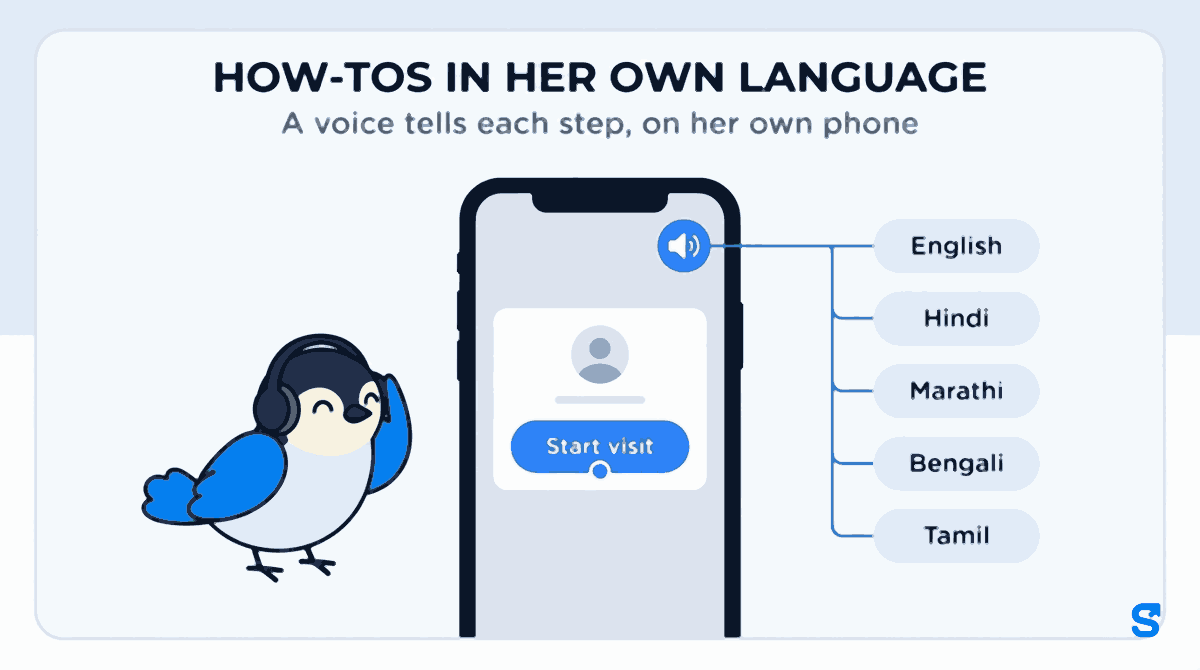
Every step has a voice as well as a caption, and the voice does not read the caption out. It tells a short story about what is on the screen, the way a patient colleague would explain it standing next to her. Sound is on the first time she opens a tutorial; if she mutes it, the phone remembers.
The voice speaks English, Hindi, Marathi and Bengali for all eleven staff tutorials. Tamil has a voice for nine of the eleven so far, and the other two show captions with a line saying Voice coming soon. Captions and the demo screens themselves are in every language the app offers.
The language is picked on a small square at the top of the player, separately from the app's own language. So an attendant who keeps the app in English because that is what her supervisor uses can still watch the how-tos in Marathi.
Before she can even log in
The how-to that matters most, Set up your phone, has to work before the attendant has an account. On day one the thing that breaks Start visit is far more often a phone setting than distance: location switched to approximate, the camera not allowed, the battery saver killing the app. So that one tutorial has its own public link, with no login.
The owner or coordinator copies it from their own Tutorials page with Copy the "Set up your phone" link and sends it on WhatsApp before the first day. The new hire opens it on her own phone, allows location with Precise location on, allows the camera, and sets the battery to No restrictions, all before she has met the first patient.
Watch again with no signal
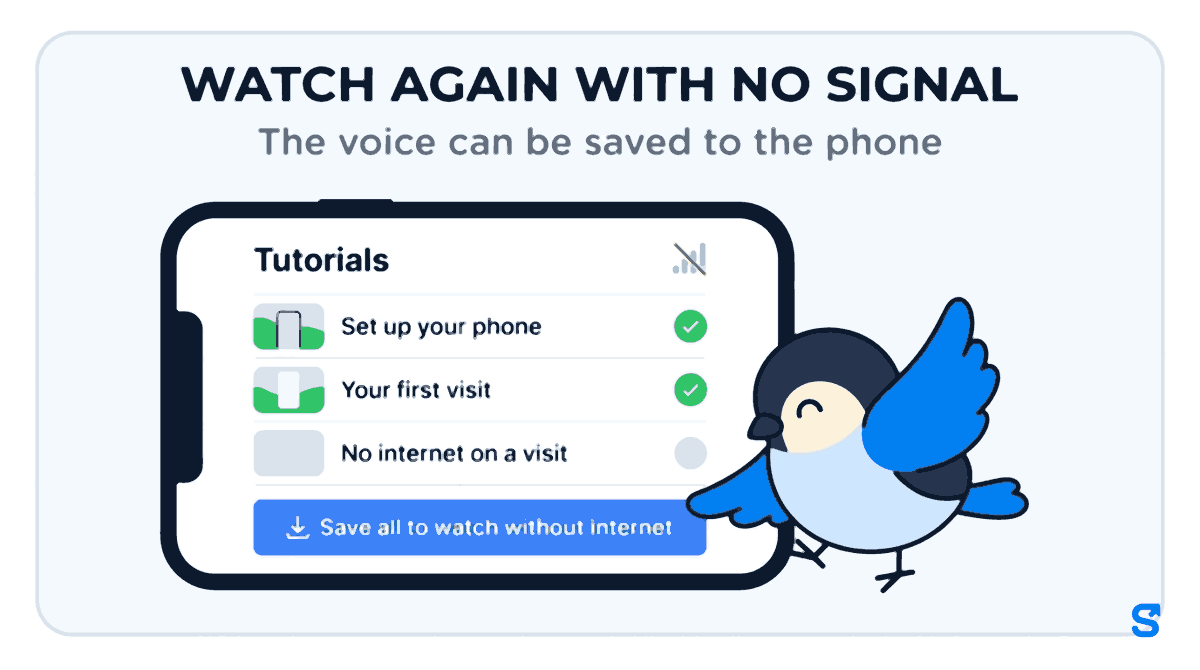
The pictures and captions already work without internet once the app has been opened. The voice is a file, so the list offers Save all to watch without internet, which stores the voice for the language that phone listens in, and only that one: about 3 MB for all eleven staff tutorials. An attendant who saves it at home can replay When Start won't work at the door in a flat with no bars, which is exactly where she will need it. For how the visits themselves work in those flats, see offline attendance for home care attendants.
What the coordinator does
The office has a Tutorials page in the Home Care menu with two groups. For you holds eight how-tos for the office itself, starting with Your first patient: from the call to the first visit, with the ones the person's permissions let them do shown first. For your staff holds the same eleven the attendants see, so a coordinator can play one on her own phone to a new attendant sitting beside her.
The page itself says how to use that: after you have shown them yourself. A tutorial is a reminder the attendant can replay at the door, not a replacement for a person walking her through the first round. Nothing is recorded when the owner or a coordinator watches.
What these tutorials are not.They teach the Shiftelio screens: starting and finishing a visit, photos, tasks, hand-over, no signal, availability. They do not teach patient care, and they are not a course or a certificate. For care skills, the Home Health Aide qualification above is the route. To record a care skill your agency teaches in-house, with a quiz as proof, see staff training records with a quiz.
For the whole home care picture, with patients, visits, cover and charge against pay in one place, see Shiftelio for home care agencies.
A home care app that teaches its own attendants
A first-week checklist for new attendants
- Before day one, send the Set up your phone link on WhatsApp and ask her to do it at home.
- On day one, walk her through the first round yourself, then play Your first visit to her once.
- Show her the language square on the player and let her pick the language she thinks in.
- Ask her to tap Save all to watch without internet while she is on home Wi-Fi.
- Before her first no-signal patient, ask her to watch No internet on a visit.
- At the end of the week, ask which call to the office a tutorial could have saved.
Questions home care agency owners ask
Which languages have a voice?
English, Hindi, Marathi and Bengali have a voice for all eleven staff tutorials. Tamil has nine of the eleven, and the other two show captions for now. Every other language the app offers has captions and demo screens in that language, with Voice coming soon on the speaker.
Does the attendant need internet to watch?
Not after the app has been opened once: the pictures and captions are stored on the phone. The voice needs one tap on Save all to watch without internet, about 3 MB, ideally on home Wi-Fi.
Can a new attendant watch before she has a login?
Yes, for Set up your phone, which has its own public link. The owner or coordinator copies it from the Tutorials page and sends it before the first day. The other tutorials are inside the staff app.
Do the tutorials show real patients?
No. Every tutorial uses demo patients and demo visits, and the screen is marked Demo. Nothing from your agency's data is shown in them.
Is this part of the normal plans?
The tutorials are part of the home care screens, which are an add-on we switch on for your account on request.
The short version
- New attendants rarely stall on the care; they stall on the app, and they are usually taught it in English, once, on someone else's phone.
- In Shiftelio's home care add-on, staff have a Tutorials link with eleven short how-tos of their own screens, on a demo phone with demo patients.
- A voice tells each step as a story in English, Hindi, Marathi, Bengali or Tamil, picked on the player, with captions in every app language.
- Set up your phone works before the first login, and the voice can be saved to watch with no signal.
Sources, and how these were checked
- The Home Health Aide role and level: Healthcare Sector Skill Council, qualification pack HSS/Q5102 version 2.0, read in September 2026.
- Hindi as the mother tongue of 43.63% of the population: Census of India 2011, Language Atlas of India, read in September 2026.
- The product behaviour was read from the Shiftelio code as shipped on 25 and 26 September 2026: the staff and office Tutorials pages, the eleven staff how-tos and their titles, the voice files per language, the language square and sound setting, the public Set up your phone link and the save-for-offline button.
Keep reading
Free to use, no signup: HR letter formats.