Supervisor Crew Lists: Who Works for Which Site Engineer
In short
Give each site supervisor their own crew list, and make moving a worker between crews a request the owner approves, not a phone call nobody records.
- A shared role gives every supervisor the same reach. A crew list gives each of them their own people.
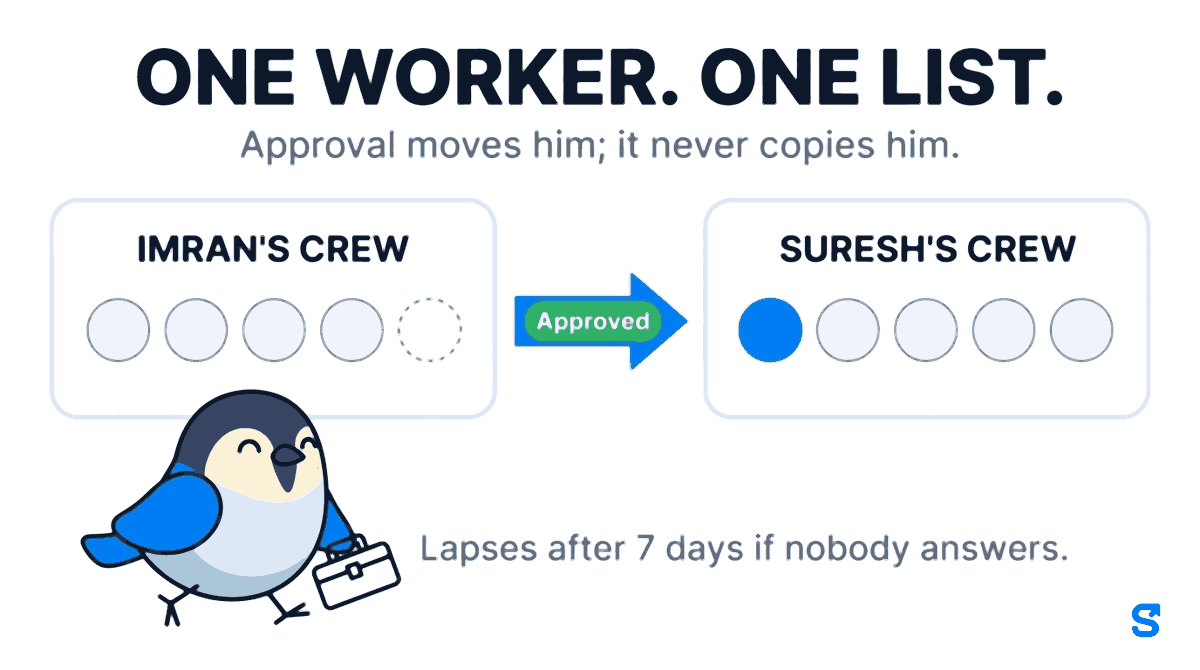
- One worker, one crew. Approval moves a worker; it never duplicates him.
- Asking is not taking: a request waits for somebody with Approve, and lapses after 7 days.
The good welder is on everybody's list. Your five site engineers all know his name, all of them have him down for tomorrow, and at seven in the morning he is standing at whichever site rang him last. The engineer who planned around him finds out at nine, when the slab is waiting and he is not.
That is not a discipline problem. It is what a skilled-trade shortage looks like from the inside. India's construction sector is short of nearly two million skilled workers by NAREDCO's count, carpenters, electricians, plumbers and welders first. When there are not enough good hands, supervisors borrow them from each other, quietly, by phone, and the one thing nobody writes down is who that worker actually belongs to today.
This article is about writing it down: one list per supervisor, and one honest way for a worker to move from one list to another.
Why a shared role cannot say whose workers are whose
Most attendance apps, ours included until recently, decide what a manager can see with their role. A role says "this person can mark attendance and approve leave for the Pune site" or "for the Civil department".
That works while every manager has a different job. It breaks the moment five people do the same job.
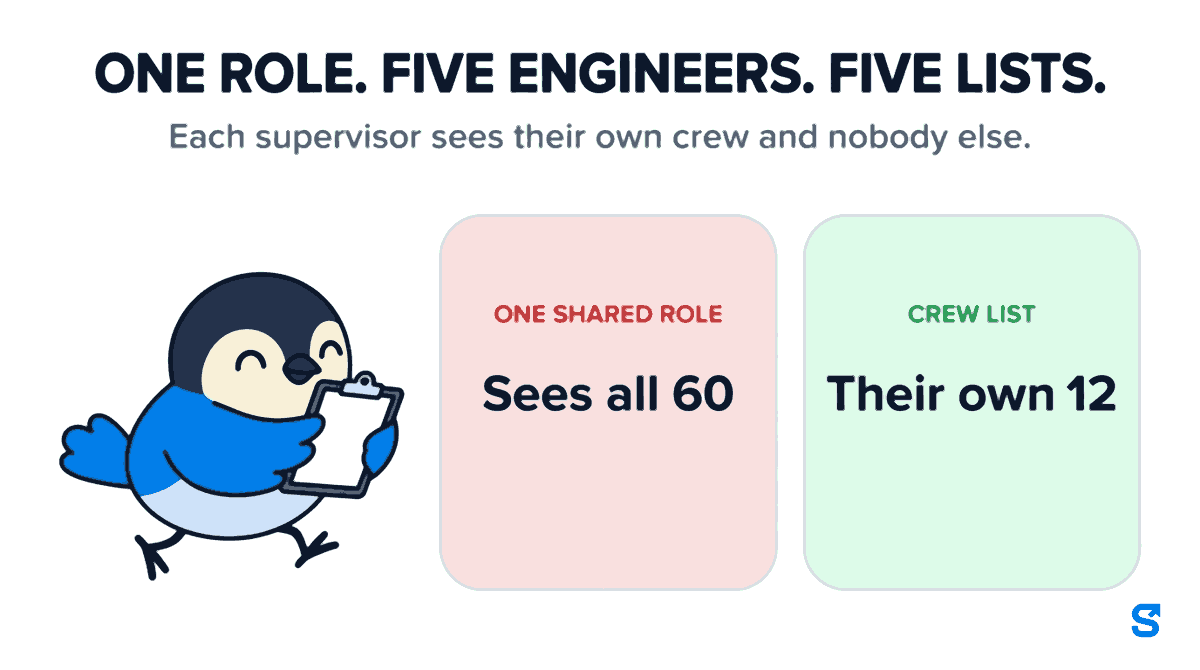
Take a contractor with five site engineers and sixty workers. All five engineers hold one role, called Site Engineer. A role has one scope, so all five share it. If that scope is "every site", each engineer can see and mark all sixty workers. If you narrow it to one site, you have to build five near-identical roles and rebuild them every time an engineer changes site.
Neither is the truth. The truth is a list of people: these twelve are Suresh's, those twelve are Imran's. No setting on a role can say that, because a role is a filter and this is a roster.
What a crew list is
In Shiftelio, Crews lets a supervisor keep their own list of workers, and ask you when they need somebody who is on another supervisor's list. That sentence is the whole feature, and each half of it matters.
Each supervisor sees their own crew and nobody else. The owner opens Roles, edits the role the supervisors share, and switches on Each person with this role manages their own crew. From then on, everyone holding that role reaches only the workers on their own list, and every tick the role carries narrows with it. If the role can mark attendance for others, Suresh marks his twelve. If it can decide leave, he decides leave for his twelve. The crew changes who a supervisor reaches. It never changes what they are allowed to do.
A worker is on exactly one crew. This is not a rule somebody has to remember. The list is stored one row per worker, so a worker being on two crews at once is not something the app can even record. Somebody who is on nobody's crew yet shows as Unassigned, and the owner can see them.
An empty crew sees nobody. That is deliberate and it is the opposite of how site and department limits work, where an empty list means "no limit". A new engineer with nothing on their list sees an empty screen, not the whole company.
Switching a role to crew lists replaces its site and department limits. You do not need both, and keeping both would leave you guessing which one applies.
Moving a worker is a request, not a phone call
Here is the part that fixes the seven o'clock problem.
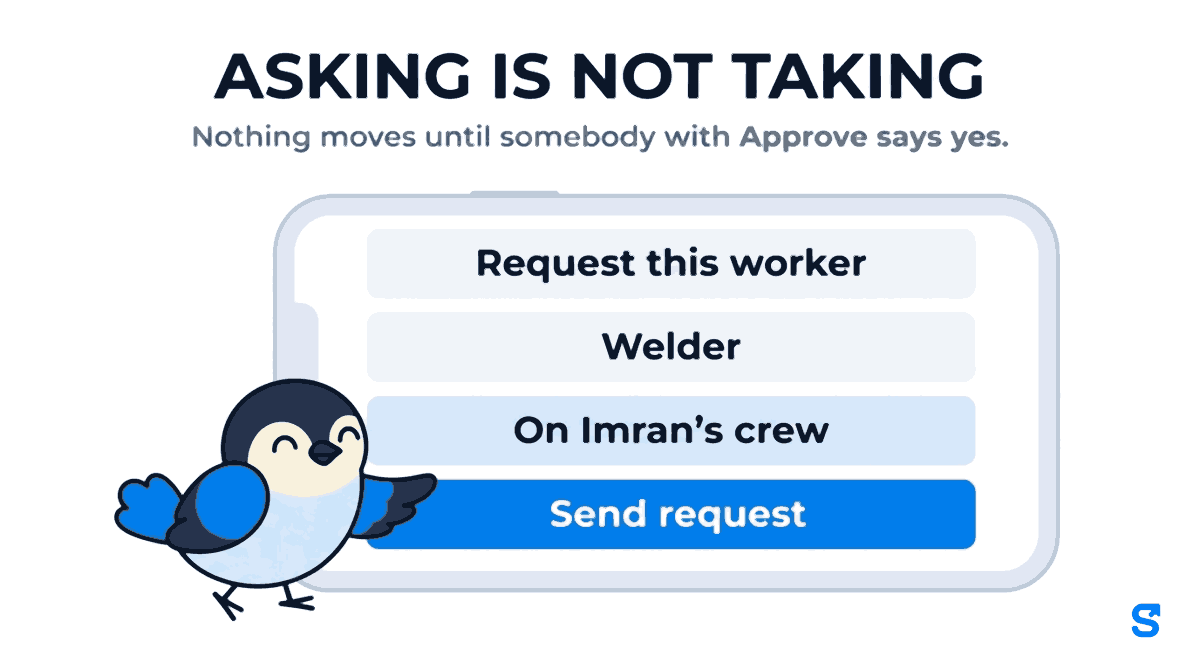
When Suresh needs the welder who is on Imran's crew, he does not ring the welder. He opens Crews, finds him, and taps Request. A box titled Request this worker tells him plainly what he is doing: he is asking for the welder, who is on Imran's crew, and nothing moves until somebody who approves crew changes says yes. There is space for why, which is optional and gets answered faster when it is filled in, and a Send request button. Asking is not taking.
Then this happens, in order:
Whoever holds Approve requests gets a notification reading, in effect, Suresh has asked for the welder. The request waits for them under Waiting for you on the Crews screen.
Approve moves the worker. He leaves Imran's list and joins Suresh's in the same write, so there is no moment when he is on both or on neither. Decline leaves him where he is, with an optional reason.
On a yes, Suresh and Imran are both told that the worker is now on Suresh's crew. On a no, Suresh is told the request was not approved. Nobody finds out by turning up at the wrong site.
A request nobody answers lapses after 7 days, and the screen says so as the day approaches: Lapses tomorrow if nobody answers. Suresh can also take his own request back at any time before it is answered.
Two things are free, because they take nothing from anybody. Taking back your own unanswered request needs no permission. And handing a worker back is always allowed for the supervisor who has him: giving somebody up should never need a form.
The detail most tools miss: leave follows the worker
A worker who moves crews often has a leave request waiting. Before the move, it was Imran's to decide. After it, it is Suresh's, because Suresh now manages him. Neither of them would naturally notice.
That is how a leave request sits for a fortnight: each supervisor believes the other one has it. So when a worker with pending leave changes crew, Shiftelio tells all three sides, the supervisor who lost him, the one who now has him, and the owner. The move itself is never blocked by an undecided form, because a crew change is something that has already happened on site.
Who gets which permission
Crews come with four separate ticks under Roles, and the split is the point. New ticks start off for every existing role, so nothing is granted until you grant it.
| Tick | What it does | Site engineers | Senior engineer or owner |
|---|---|---|---|
| View | See their own crew and the requests waiting on them | Yes | Yes |
| Request a worker | Ask for a worker on somebody else's crew | Yes | Yes |
| Approve requests | Say yes or no; a yes moves the worker | No | Yes |
| Move without asking | Put a worker on any crew directly, no request | No | Owner only, usually |
Move without asking is the shortcut an owner uses on the day a whole van of workers goes to a different site. You can select several workers and move them together, and each supervisor who loses somebody gets one summary rather than a notification per worker. The cost is written next to the tick: anybody holding it can take a worker off any supervisor without warning. Give it to very few people.
If the list of supervisors comes up empty when you try to move somebody, it is because nobody's role has the crew permission yet. The screen tells you exactly that, and where to fix it.
What crew lists do not do
Be clear about the edges before you rely on this.
- It is a transfer, not a loan. A worker is on one crew. If Suresh borrows the welder for one day, the honest way to record that is to move him, then hand him back. There is no "on loan until Friday" state.
- It is not the contractor's statutory register. The four Labour Codes took effect on 21 November 2025, and the registers and records a principal employer or contractor must keep are set by those Codes and their rules. A crew list is an operating roster for your supervisors. Keep your statutory records as your compliance advisor tells you to.
- It does not decide pay. Wages, overtime and deductions still come from attendance and the employee's own salary settings, not from which crew they are on.
- It does not replace site and department limits for everyone. It is a switch on a role. Roles for office staff, HR or accounts carry on working exactly as before.
Setting it up in ten minutes
- Open Roles and edit the role your site supervisors share.
- Switch on Each person with this role manages their own crew.
- Tick Crews → View and Request a worker for that role. Leave Approve requests for a senior person.
- Open Crews and put each worker on a supervisor's list. Use Move to… to place a whole group at once.
- Tell your supervisors that from today, the way to get a worker from another site is Request, not a phone call.
The last step is the one that makes it work. The app can record every move, but only if moves go through it.
For the wider picture of running daily labour attendance with geofenced, selfie-verified check-in, see our labour attendance app for India. If you are still deciding how much each manager should be able to do at all, read manager permissions and custom roles first, and for the site itself, attendance for construction workers.
Which app gives each supervisor their own crew?
Can a worker be on two supervisors' crews at the same time?
No. The crew list holds one row per worker, so the app cannot record a worker on two crews. Approving a request moves him; it never copies him.
Can a supervisor take a worker without asking?
Only if their role holds Move without asking. Everyone else can only request, and nothing moves until somebody with Approve requests says yes.
What happens to a request nobody answers?
It lapses after 7 days. The supervisor who asked can send it again, or take it back before then.
Does a supervisor with an empty crew see everyone?
No, they see nobody. That is the opposite of an empty site or department limit, and it is deliberate.
Do I have to pay extra for crews?
No. Crews are built on custom roles, which are part of every plan.
Keep reading
Free to use, no signup: Shift roster template.